
VISUALIZER - Single Player Rhythm Shooter
FPS designed around the mechanic of firing to the beat. 5 campaign levels, a bossfight, and horde mode.
Made in Unity
Served as a systems designer, worked primarily on weapons design and integration. 13 person team
Download At: https://little-lizard-studios.itch.io/visualizer
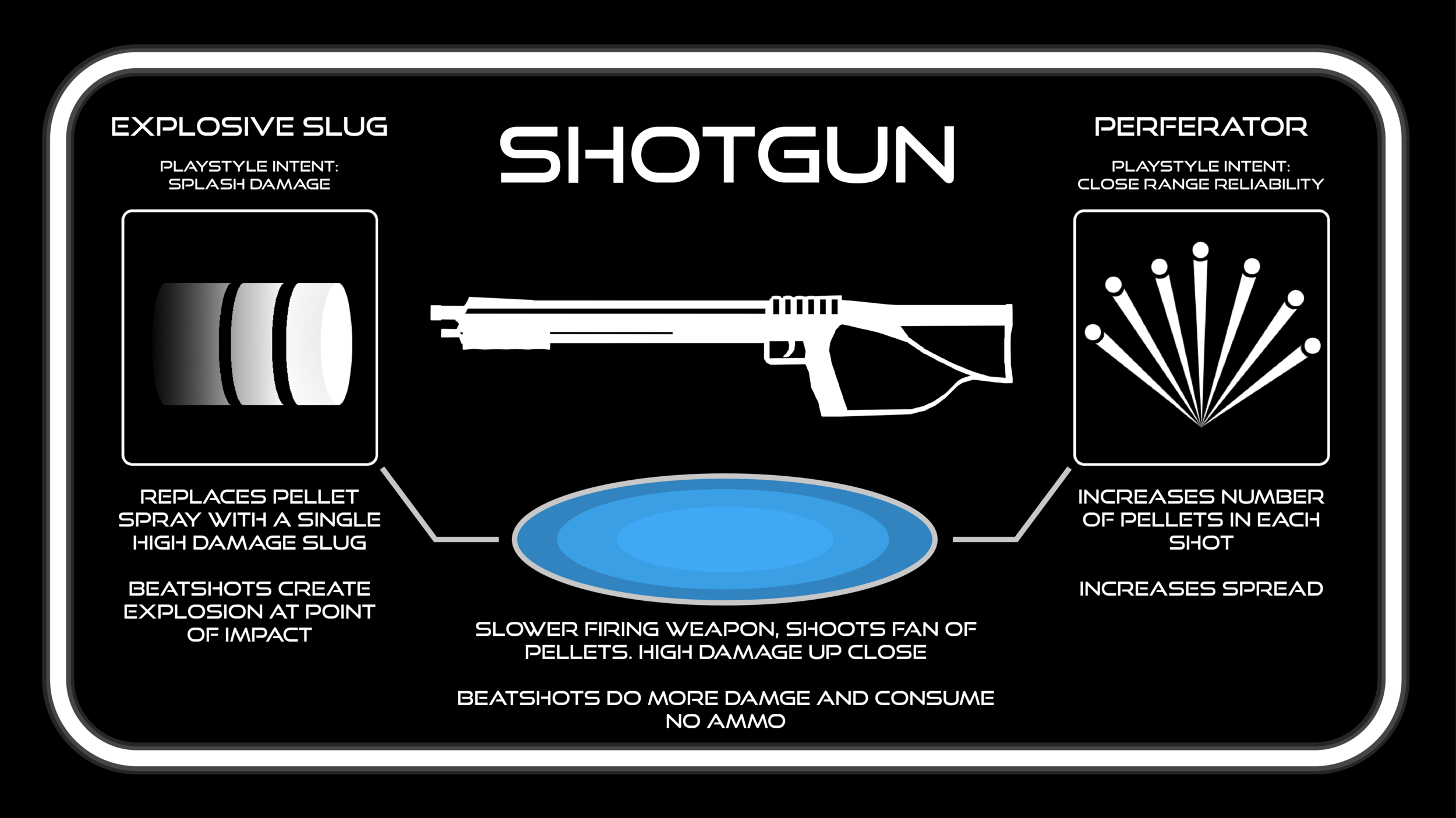
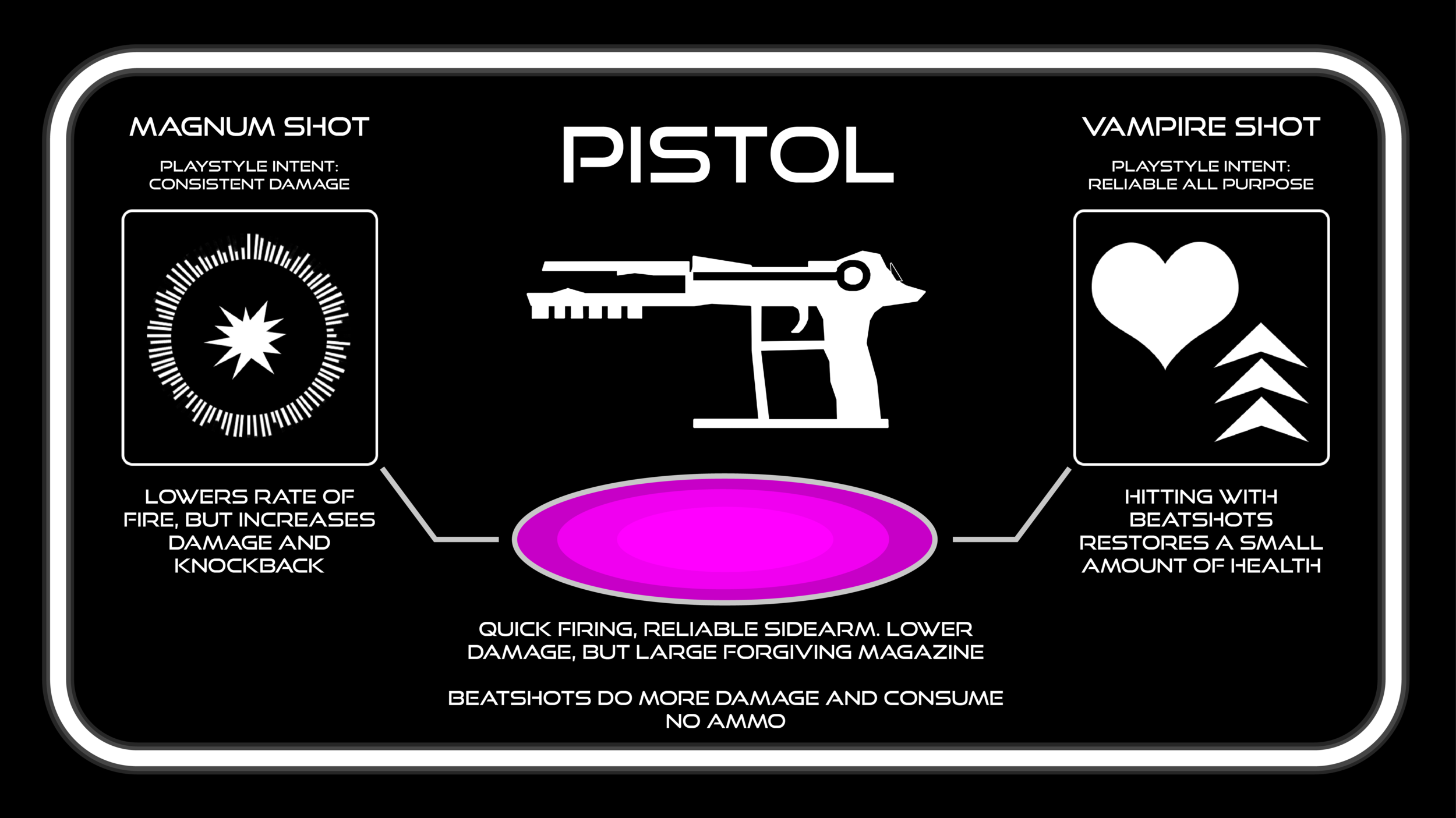
For my final semester at Champlain College, I joined a new team, Little Lizard Studios, and worked on their project Visualizer, which was already in development. The game has the player take the role of ‘the janitor’, a virtual exterminator who must delve into the digital depths of a corrupted music program to stamp out a pesky infestation of hostile ghost frequencies. The player engages in FPS battles in colorful, dance club themed arenas using an arsenal of 5 unique weapons, all of which are significantly more effective when fired on the beat. The player can do battle in the five campaign levels, culminating in a final boss fight, gather a currency from kills to purchase two unique upgrades for each weapon, and put their endurance to the test against the infinite waves of ghost frequencies in endless mode. As a systems designer for the team, I was given the responsibility of designing and implementing the new weapons, the upgrades, and maintaining the weapon balance of the game. I was ecstatic to accept this role, as working with the weapons in FPS style games is currently my favorite type of systems design.
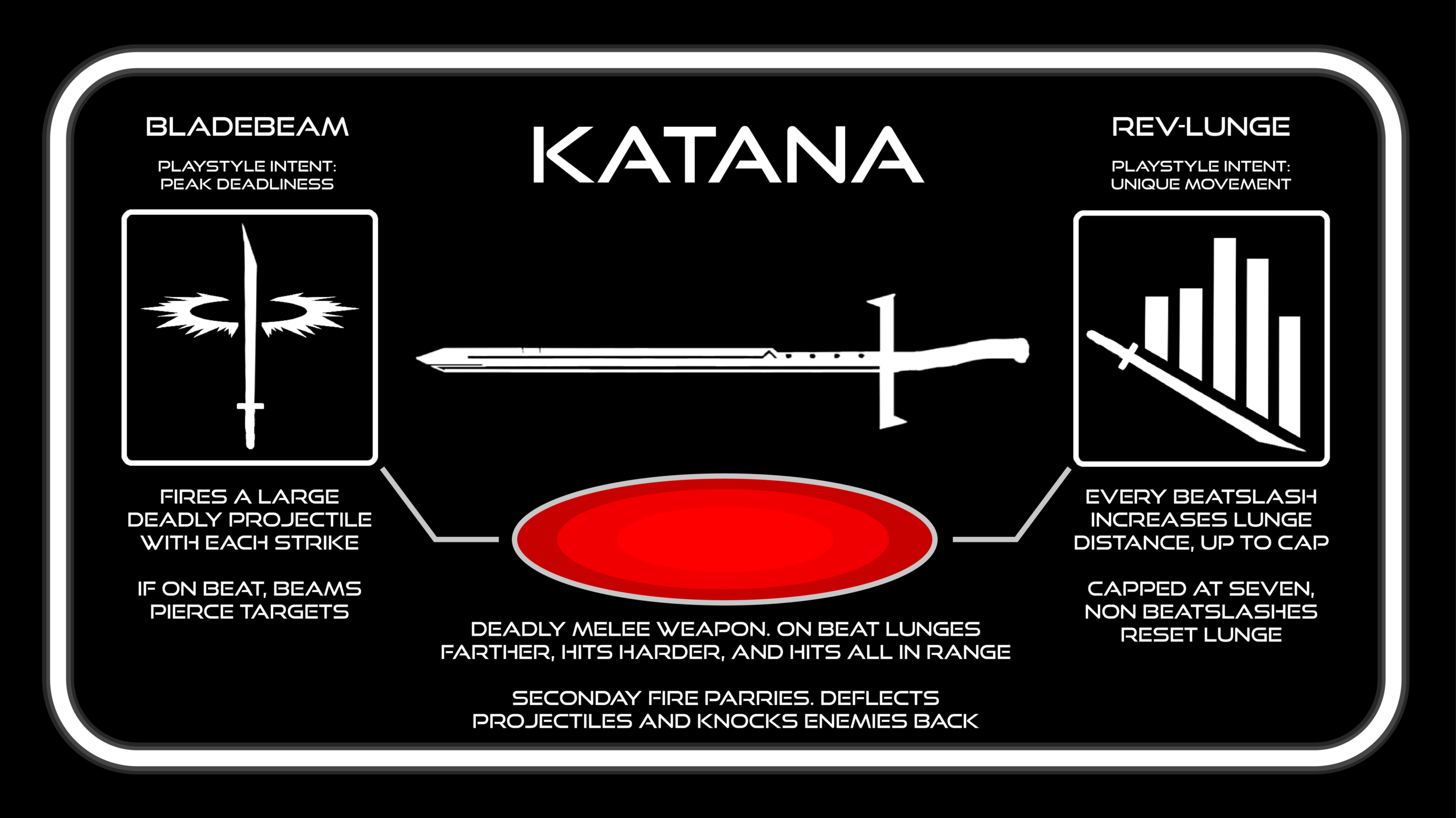
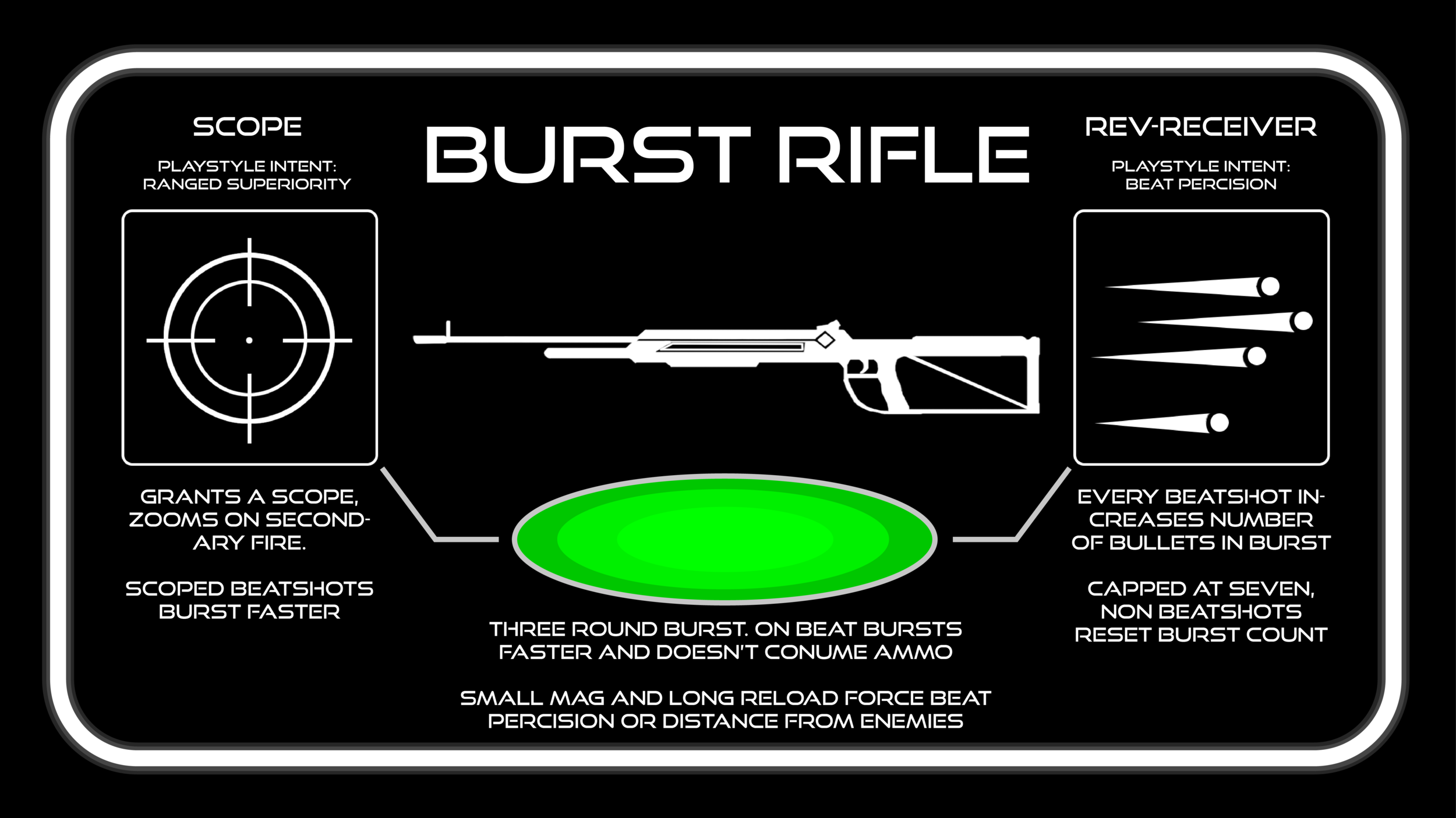
I was brought on to to the Visualizer team to build weapons. When I walked into my first team meeting for weapons planning, alongside the lead systems designer, effects designer, sound designer, and animator, I came prepared with a document containing seven unique concepts for weapons. Of course, due to our time constraints, we were only able to implement three new weapons, for a total of five. After this meeting, it was my responsibility to build and implement two of these new weapons, and maintain and improve the rest. My first goal in handling this task was to build each weapon to fill a specific role in the games combat, so that the gameplay feel of each one felt differentiated from the rest of the roster. As I prototyped each weapon and tuned the existing prototypes of the others, my process was to build a sloppy yet functional prototype as quickly as possible, and then aggressively put it to the test by using it in game, even if it was still missing features, to empirically make sure the weapon was performing it’s destined role in the gameplay. The burst rifle is a mid-to-long range general combat weapon which is efficient and useful, but with drawbacks if the player makes mistakes. The katana is a high risk, high reward, high skill, specialized close range weapon, with deadly consequences if used incorrectly. As I was learning the game after joining the team, I found that the two weapon prototypes my comrades had initially created only incorporated the beat on a surface level, by merely having the weapon do more damage when fired on the beat. In my designs, and my improvements to the existing prototypes, I wanted to take this to the next level, to drive home the rhythmic elements of our gameplay and make the player feel meaningfully rewarded for their beat-shooting skill. My philosophy was if a function factor could be affected by the beat, it should be, and so both the katana and burst rifle perform significantly differently when fired on beat or off. When the burst rifle is fired off beat, the burst is slow, causing the weapon to only be fireable once every other beat; when fired on beat, the damage increases, and the speed of the burst increases as well, allowing the player to output bursts twice as fast. Beat-shots also do not consume ammo which rewards the player for getting into a rhythm by allowing them to put out an unending stream of rapid damage. Firing off beat not only totally disrupts this rhythm, but it also uses a round from the gun’s deliberately very limited magazine which, combined with the lengthy reload time, incentivizes the player to keep targets at range or carefully maintain the rhythm to avoid being vulnerable while reloading when they mess up.

The katana causes the player to lunge forward and slash a single enemy when swung off beat. When swung on beat, the slash does more damage, has more range, lunges farther, and hits all enemies in its range. Because most of the enemies in the game use melee attacks, using the katana requires the player to be in the most risky position possible. To compensate, they must balance their aggression, stay on their toes, and position themselves so they can use the lunge to maximize deadliness, while being able to disengage for the brief time between beats. Striking the fine balance between deadliness and risk was the greatest challenge when designing the katana. In order to keep the player from being too vulnerable, the katana also includes a parry ability that throws enemies back, deflects projectiles, and heals the player a small amount for each enemy hit, allowing the player to create space while overwhelmed, and break up or create groups to cut down. If swung on beat, the parry hits everything in front of the player, just like the katana’s attack.

I also had the responsibility of designing and implementing the upgrades for all the weapons. Each weapon has two upgrades and the player can equip one at a time on their weapon after purchasing it. I designed each weapon’s upgrades around an engaging aspect of their play style, with the goal of allowing a player who finds that aspect to be the weapon’s source of fun to evolve the weapon to emphasize it. The katana’s upgrades are a great example. It’s first upgrade, called bladebeam, causes the sword to cast a large, relatively short ranged projectile with every swing. This upgrade was intended to capitalize on the weapons raw deadliness, and appeal to players who value the weapon as a killing workhorse. The second upgrade, Rev-Lunge, causes every beatslash to increase the distance of the weapon’s lunge, up to a cap, with slashing offbeat resetting it. This upgrade was built to emphasize the weapon’s unique style of skill based movement, allowing players to use the weapon and the environment in a new, high speed way, provided they can stay on beat.

HALF LIFE 2 LEVEL DESIGN
HELL HOTEL - single player FPS level
Completed, Half-life themed level with a 10 minute playtime.
Made in the Hammer editor using Half Life 2 assets
Designed, prototyped, and built by me in 2018
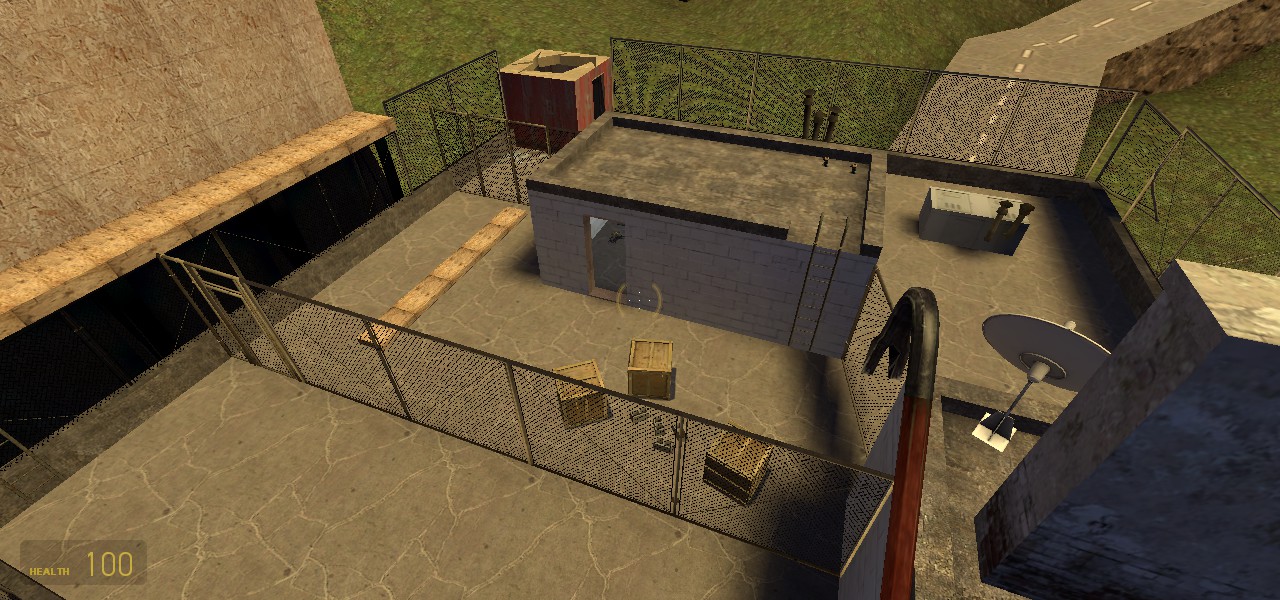
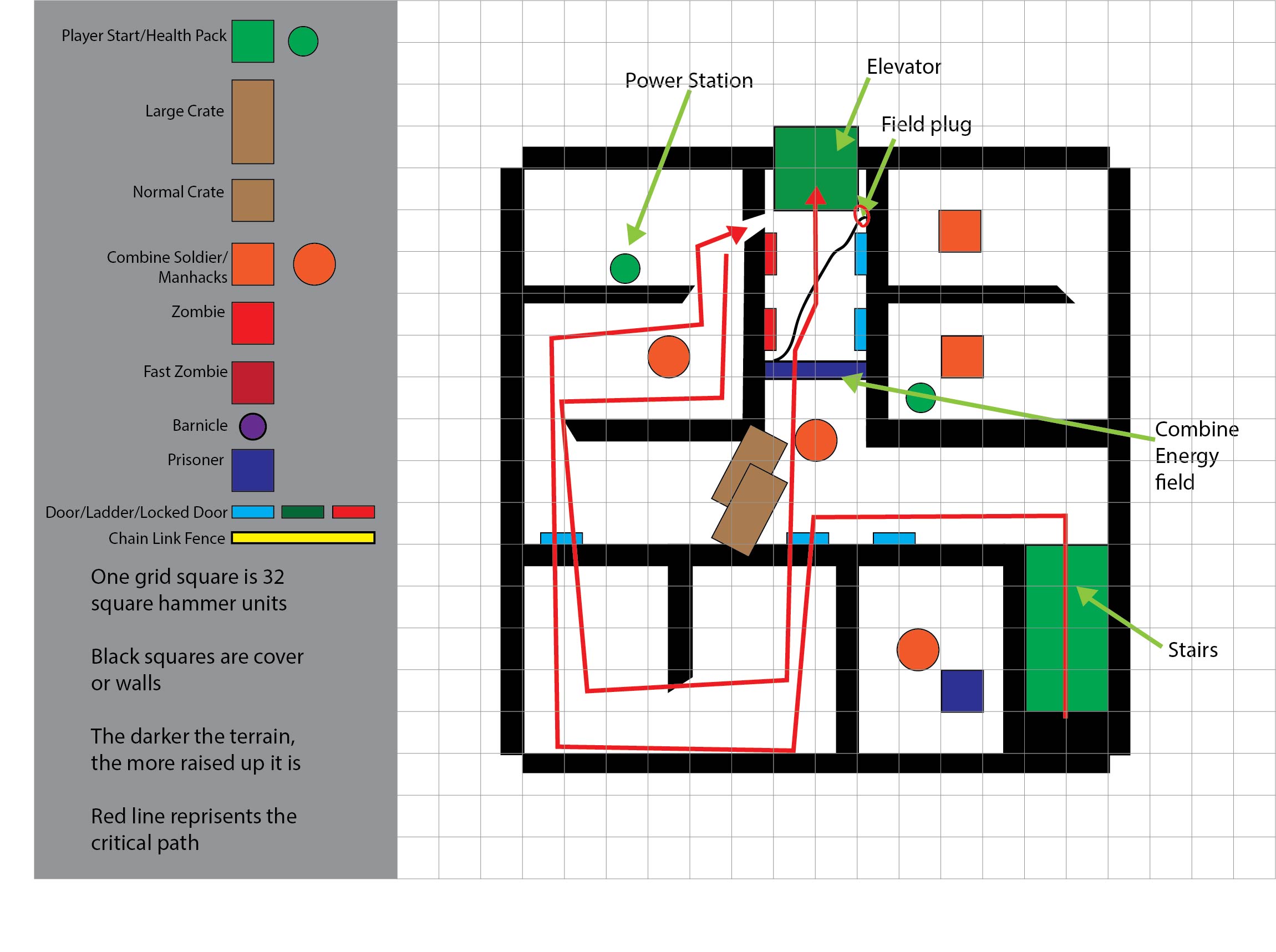
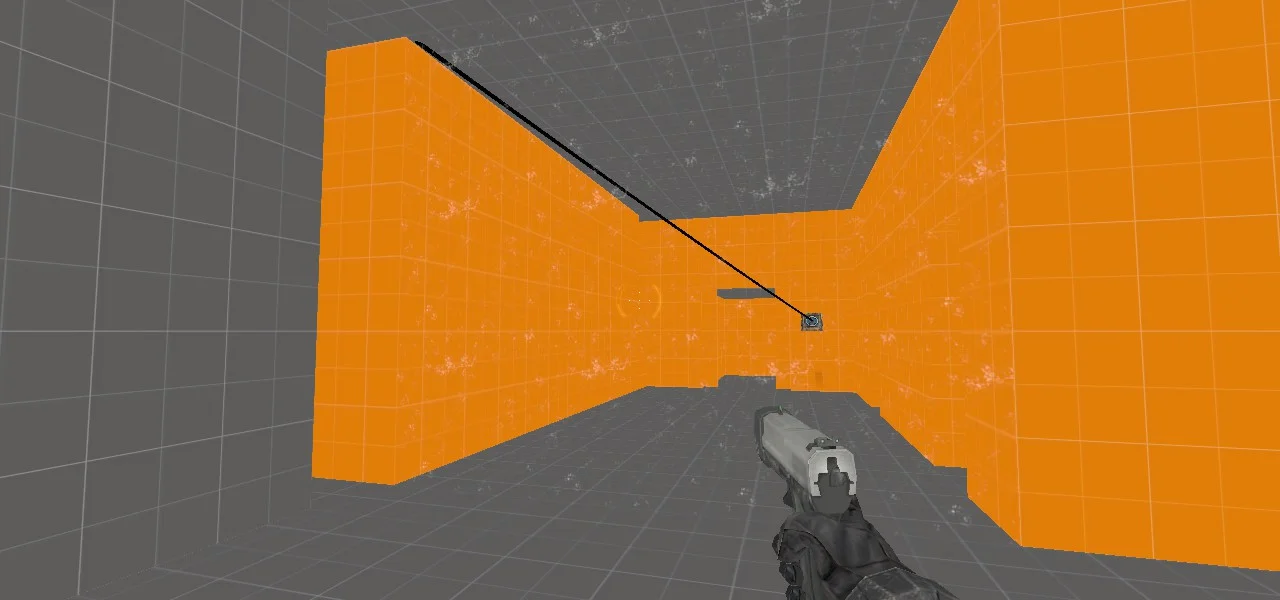
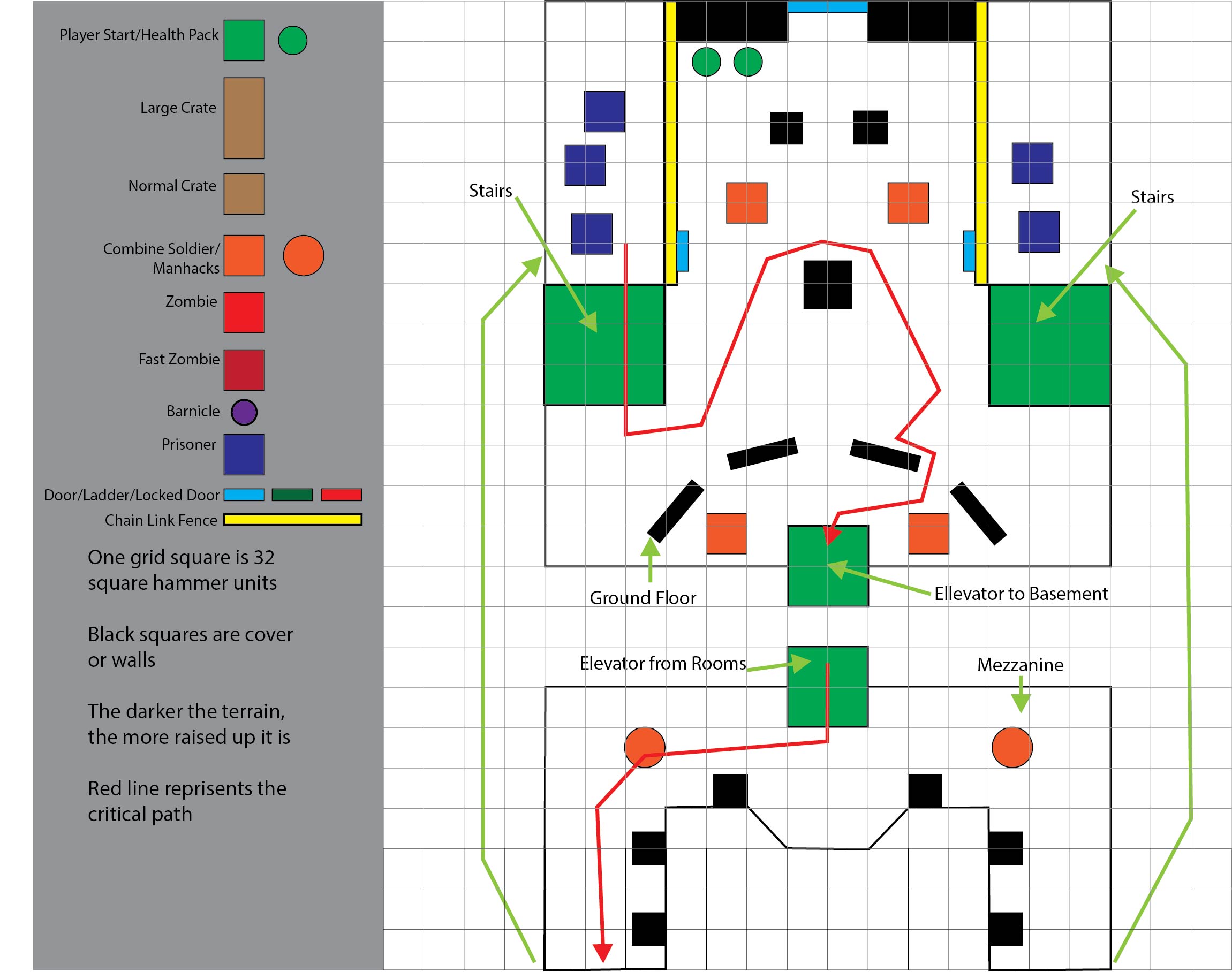
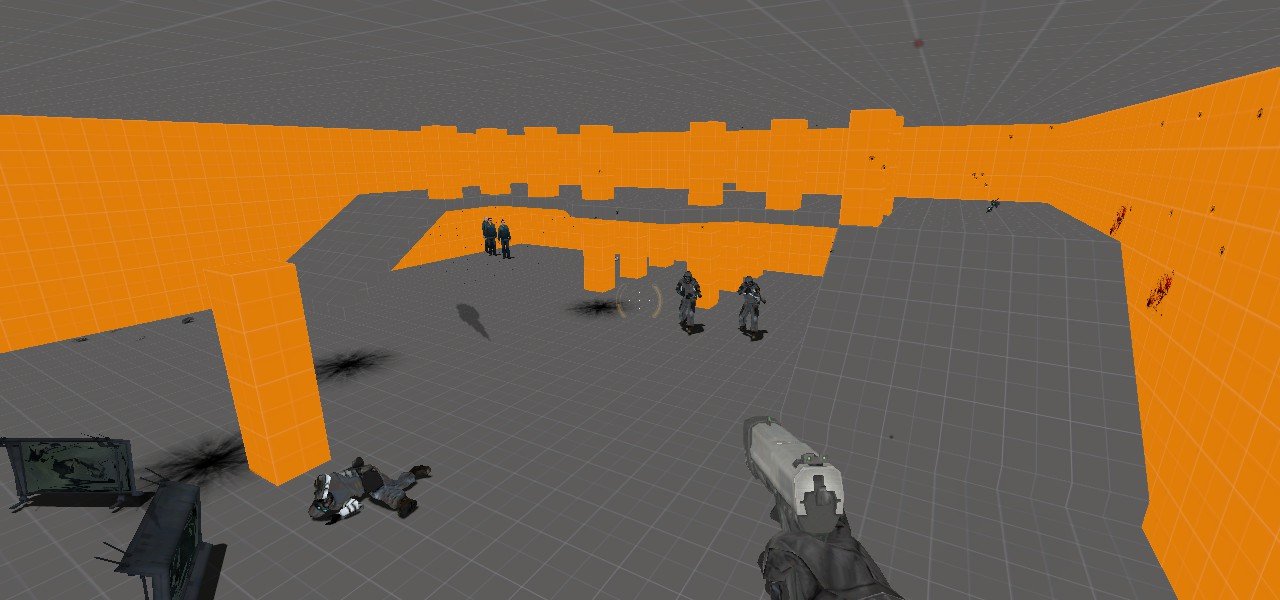
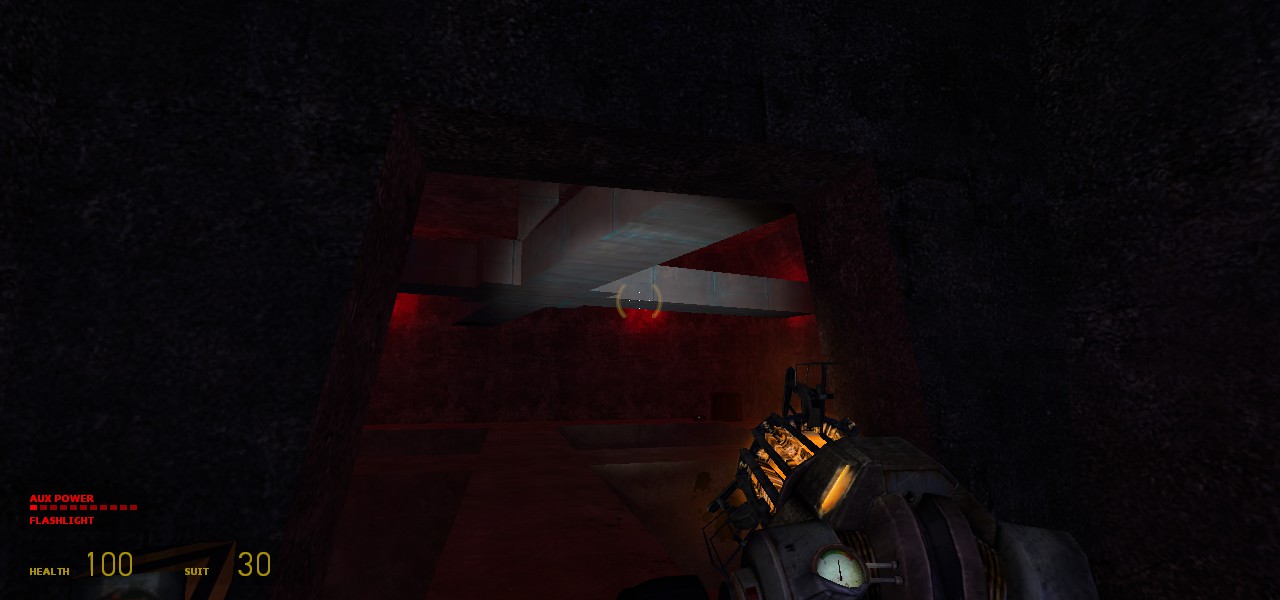
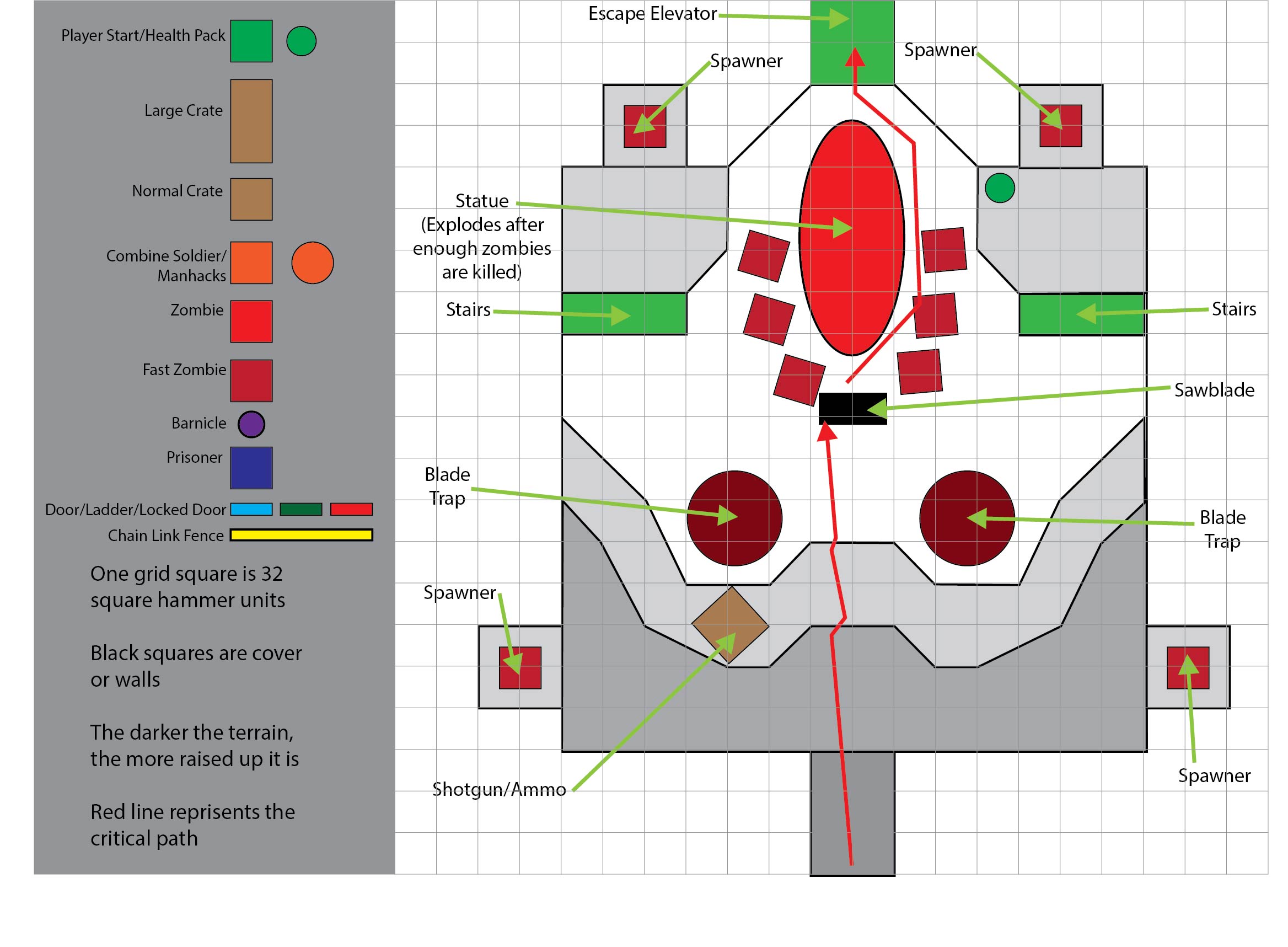
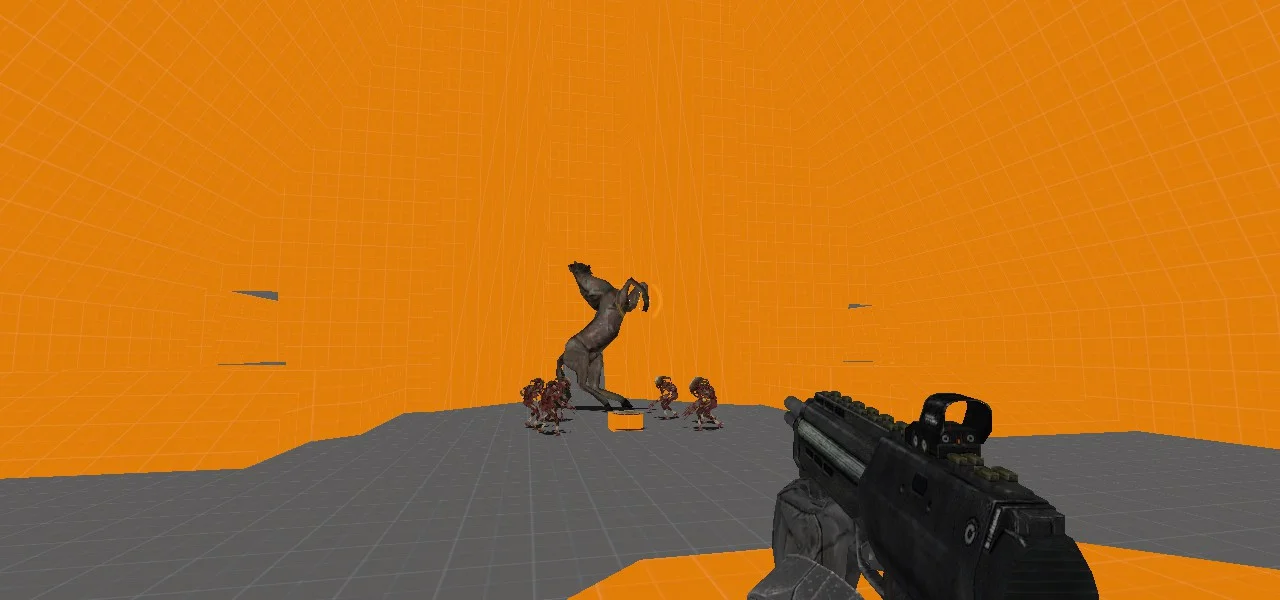
During my Level Design 2 class at Champlain College, I practiced the process of level design as close to a professional level as is achievable in a classroom. For this project, I was responsible for creating a ten minute single player level inspired by the context of Half Life 2. I built it in three phases, starting with a detailed level visual design document, next moving on to a playable whitebox blockout, and finally polishing it into a final level complete with sound, lighting, props, textures and other details. To build the level, I used the Valve’s Hammer Editor, and was limited to the library of existing Half Life 2 Assets. My goals for this project were to get experience with a professional level design workflow, and to build a believable and engaging space while rapidly learning the engine and using the assets available, just like I would in a real studio. The result was Hell Hotel.
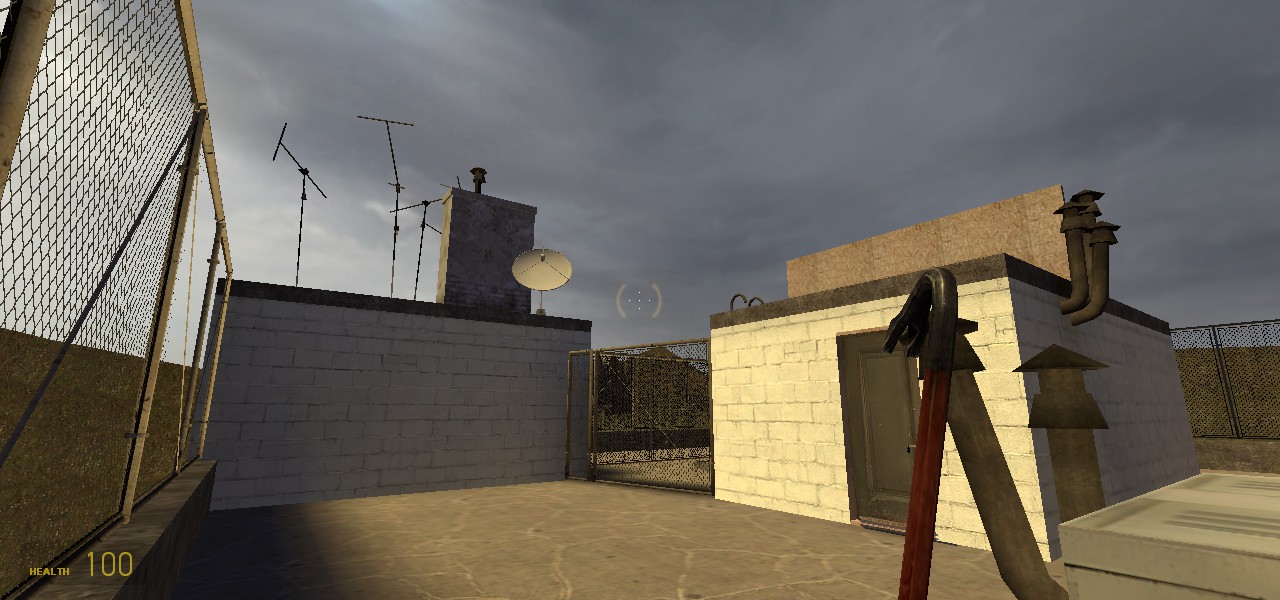
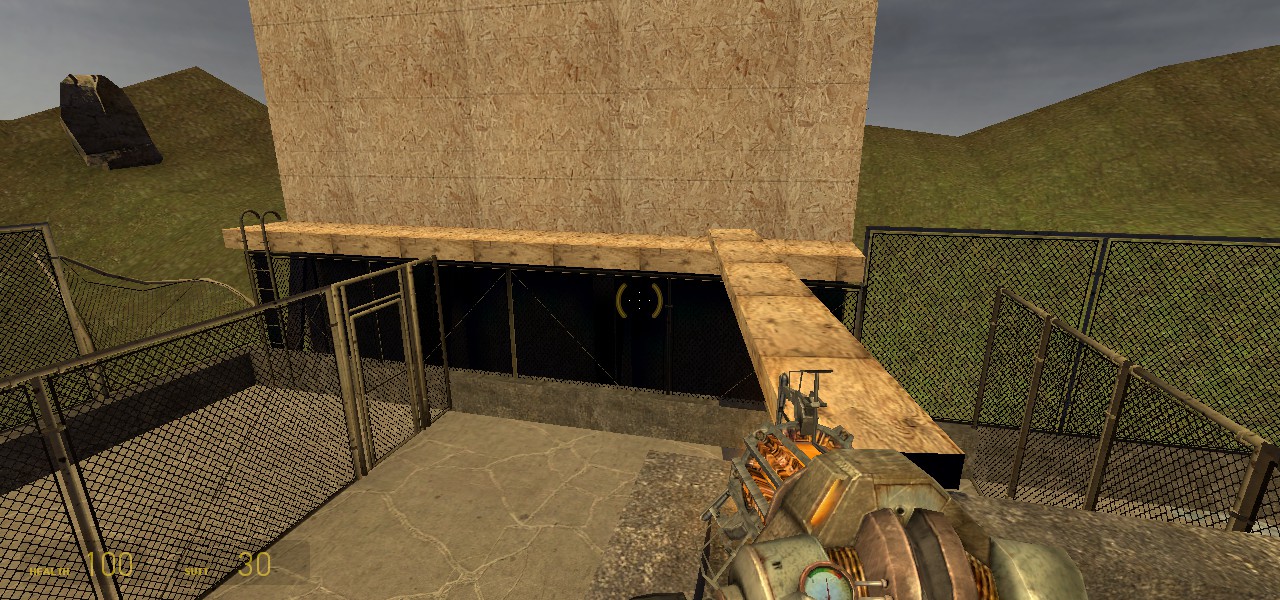
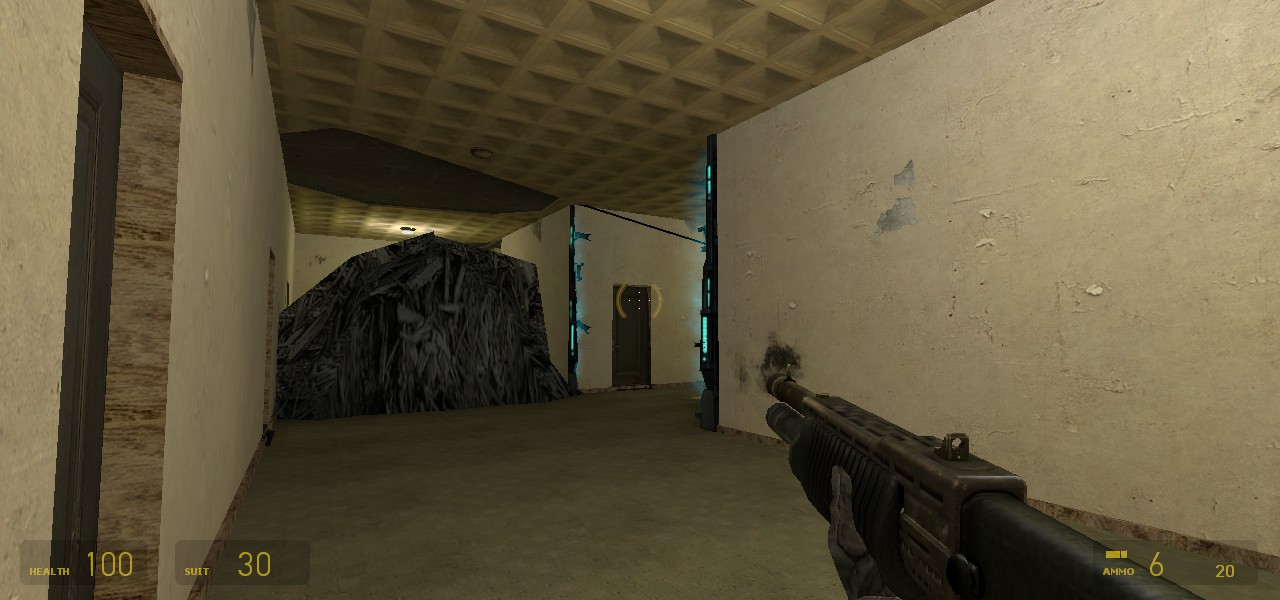
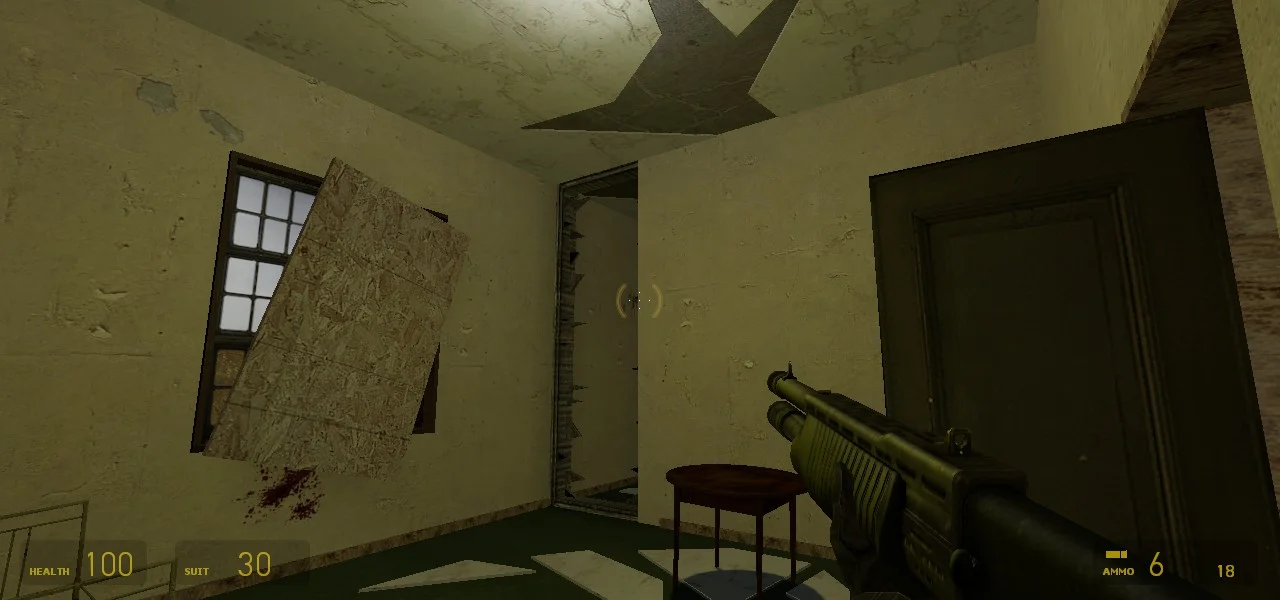
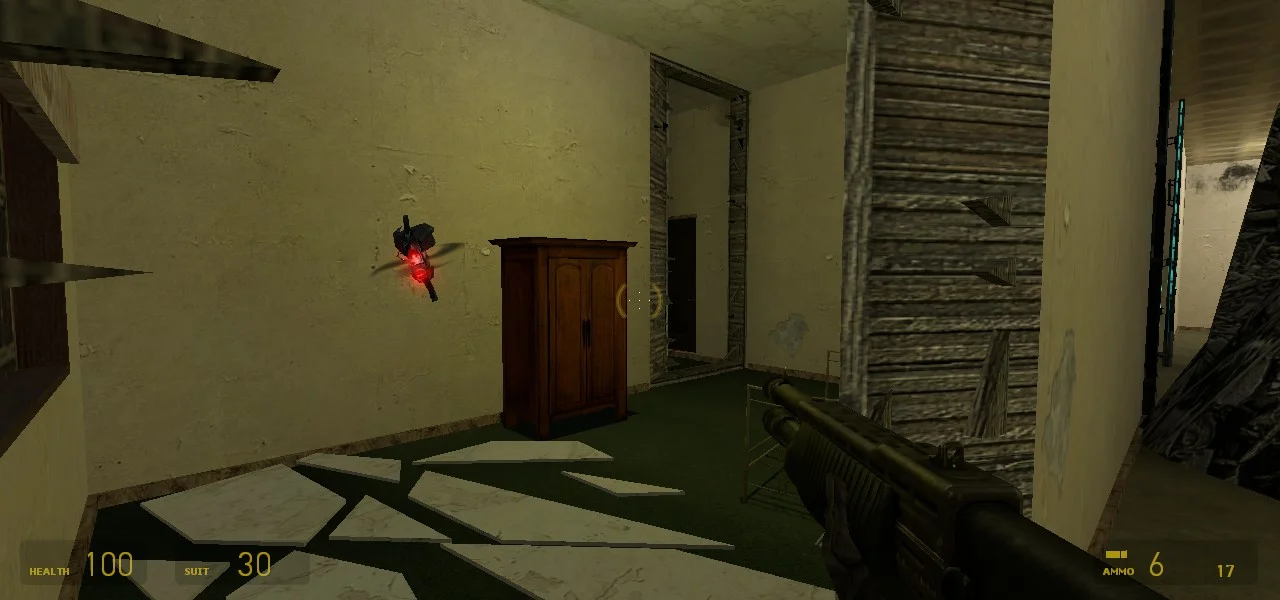
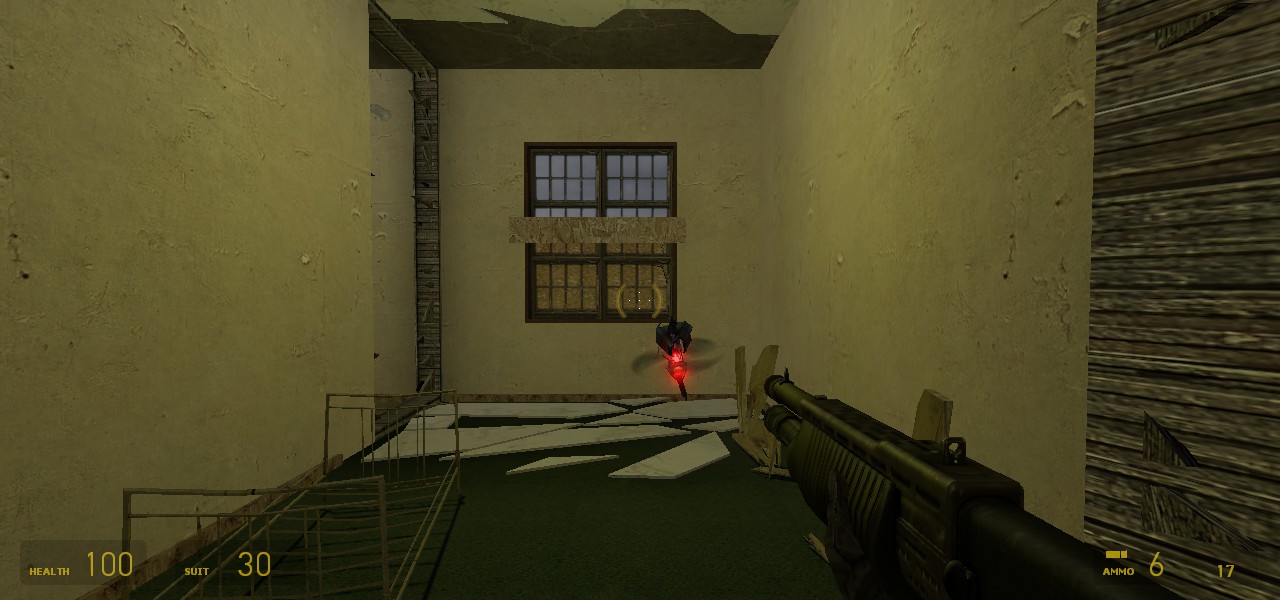
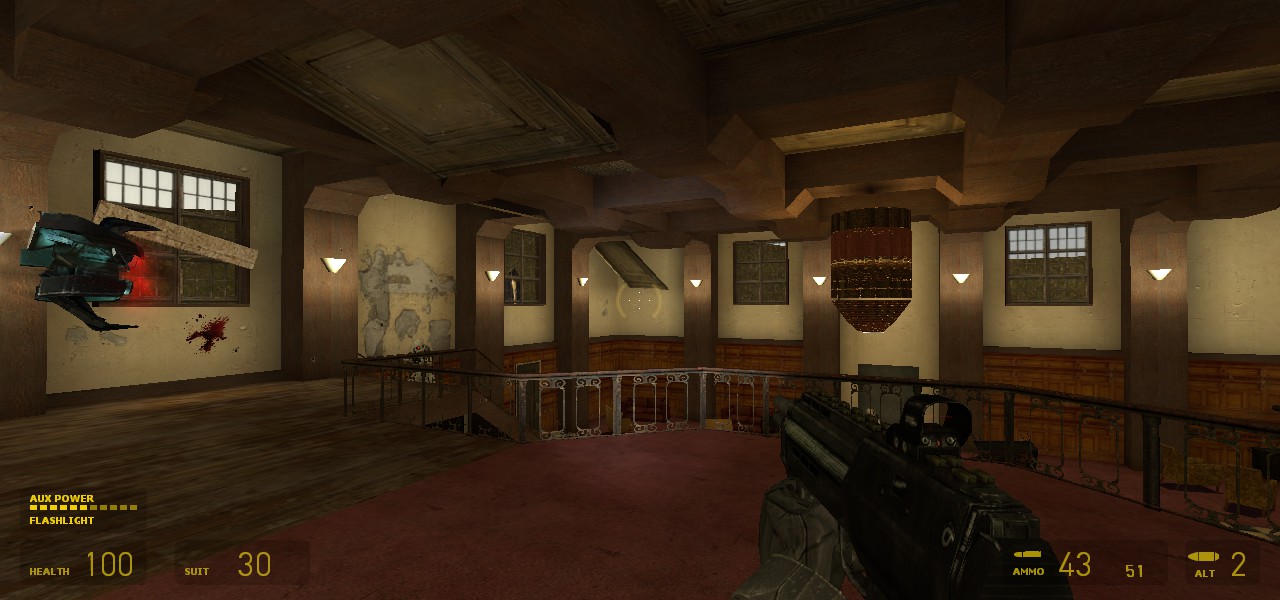
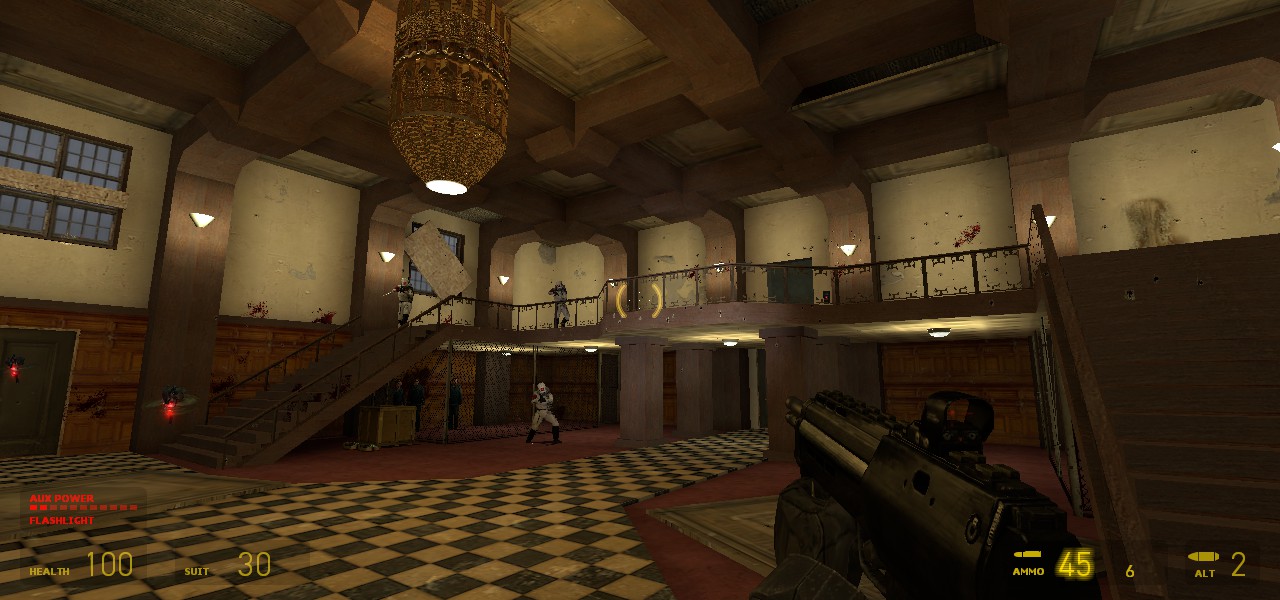
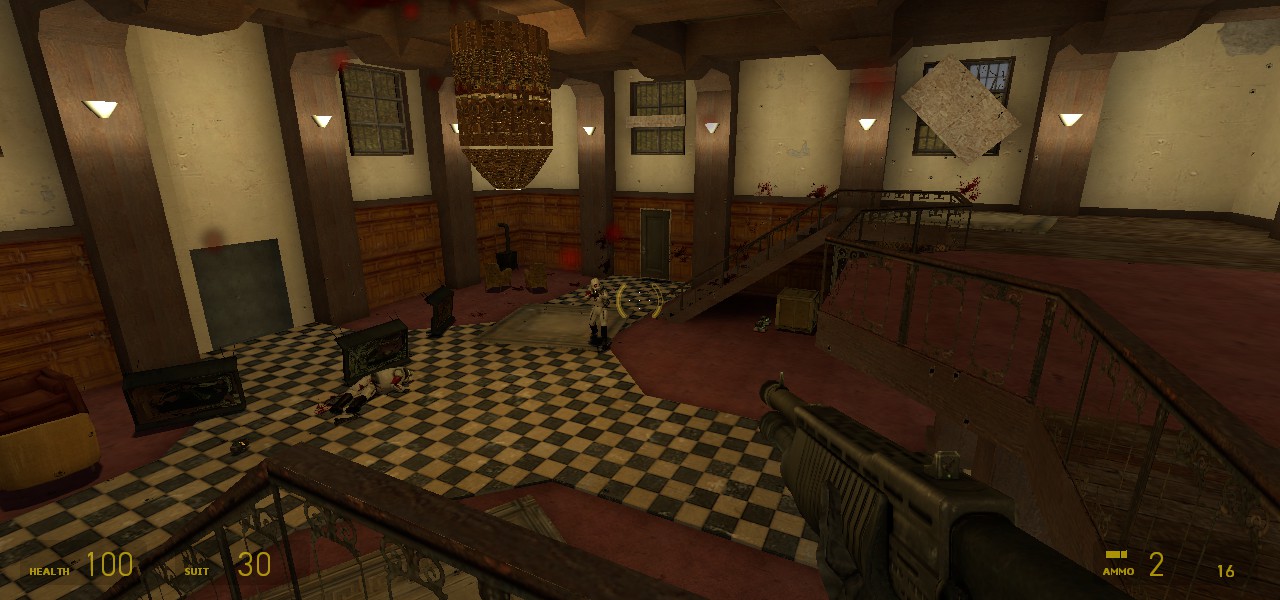
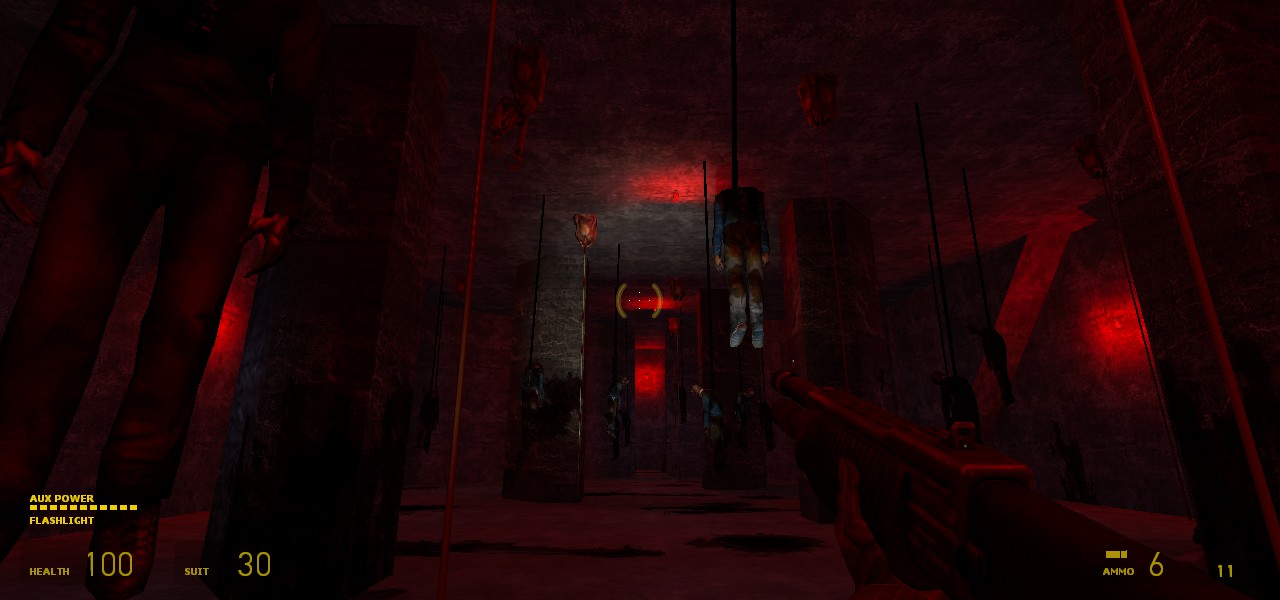
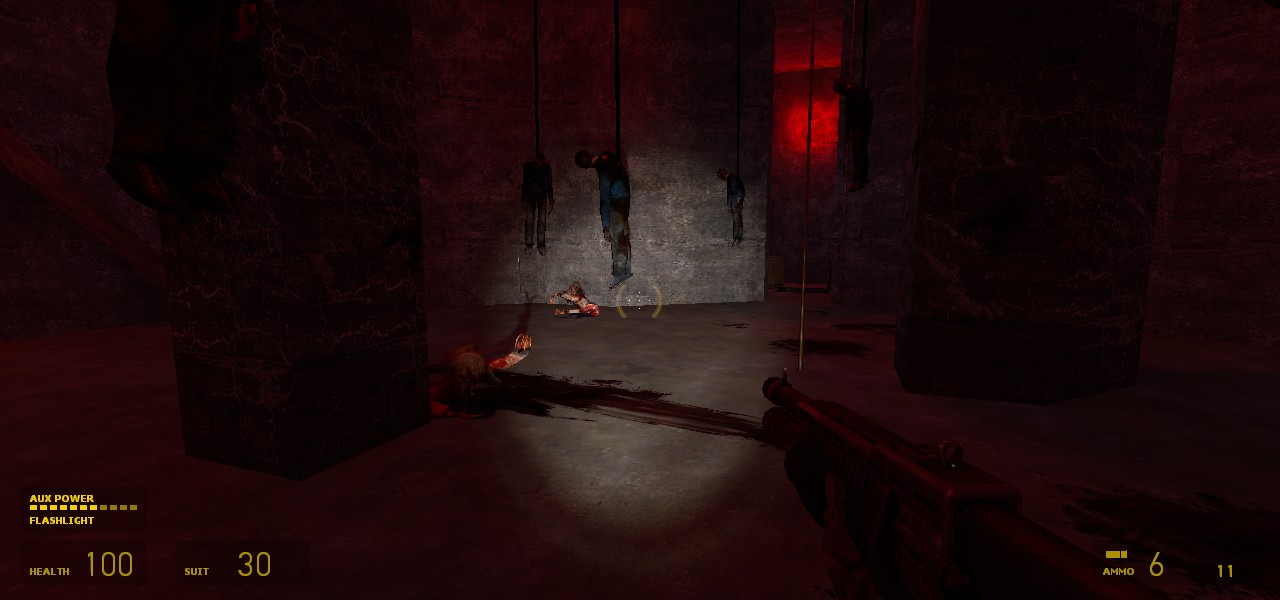
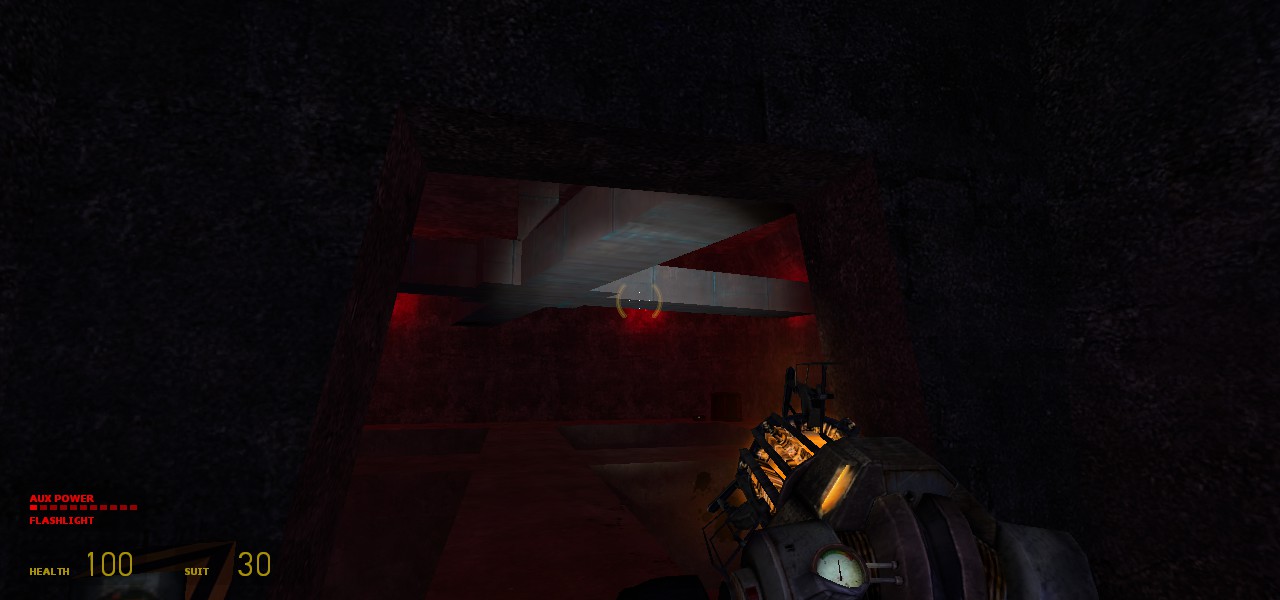
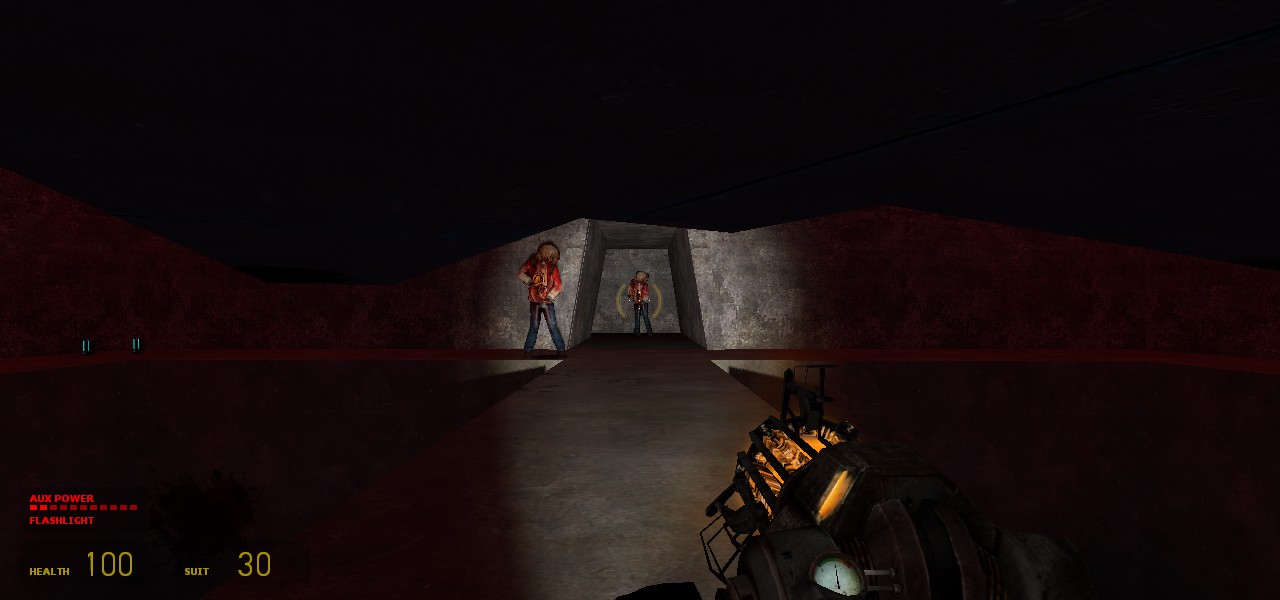
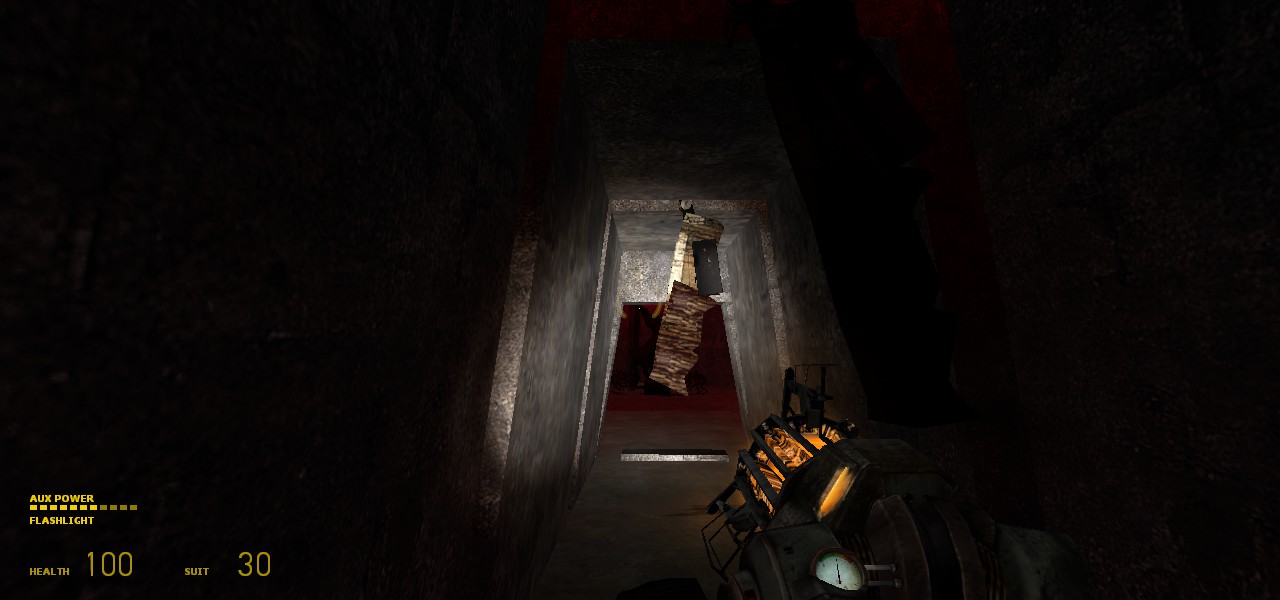
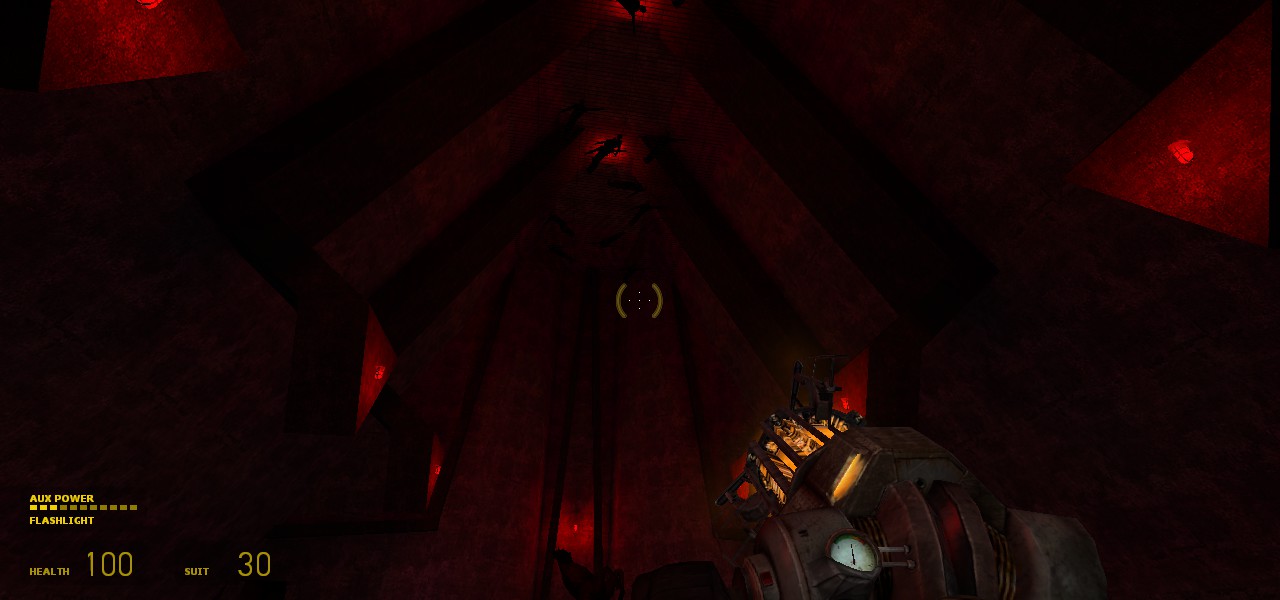
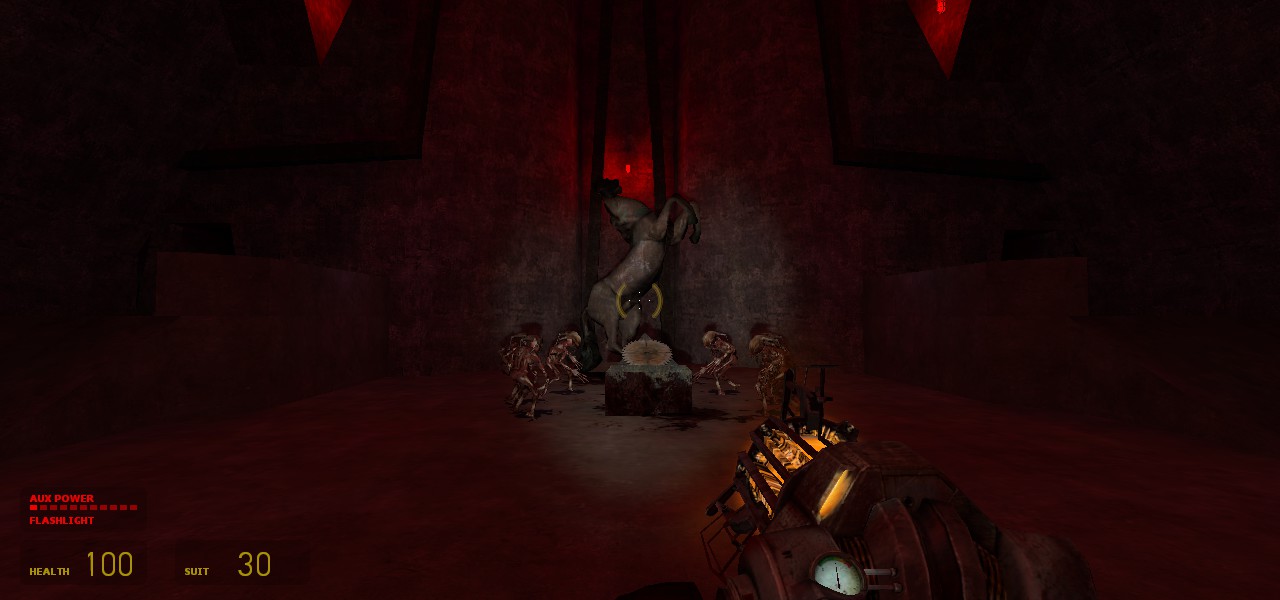
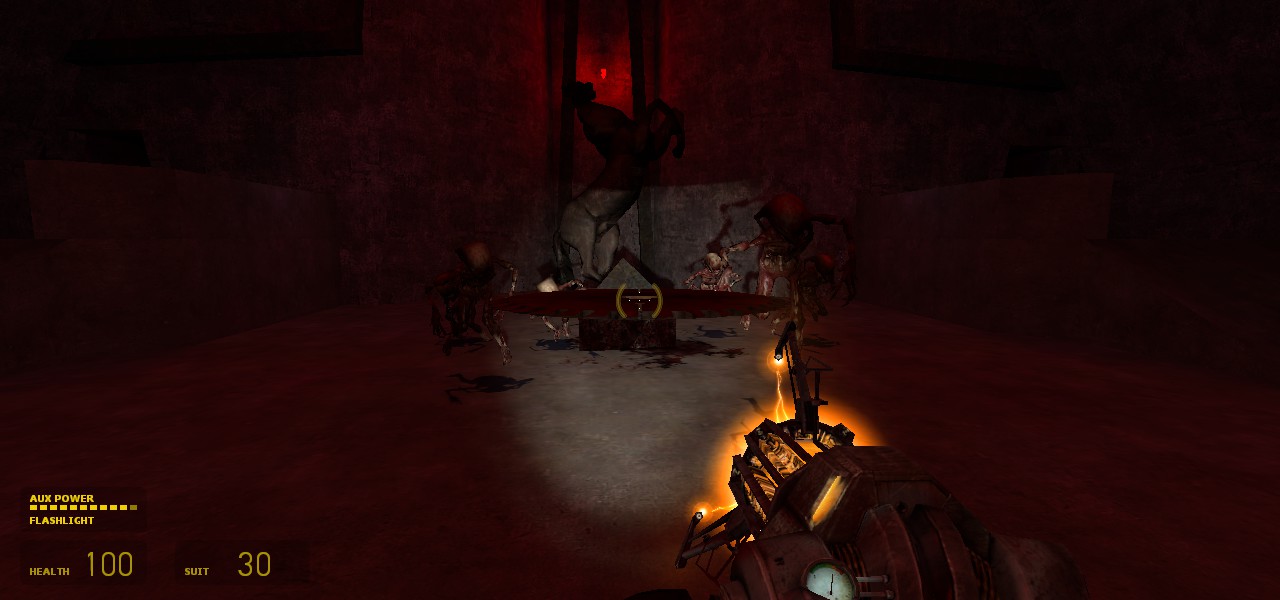
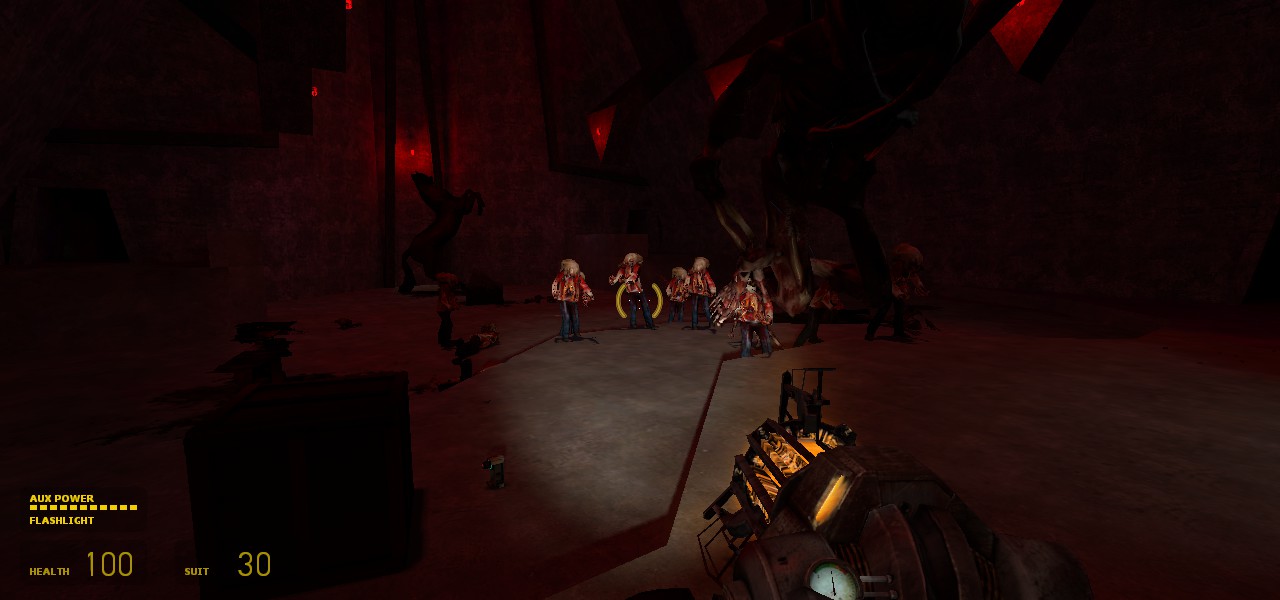
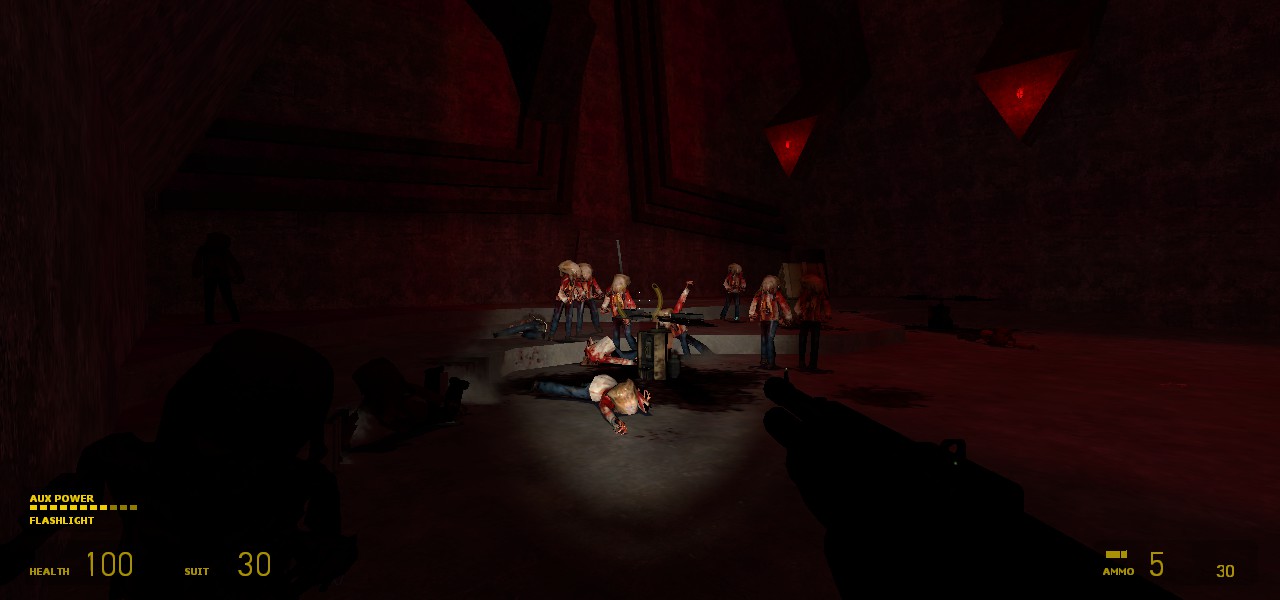
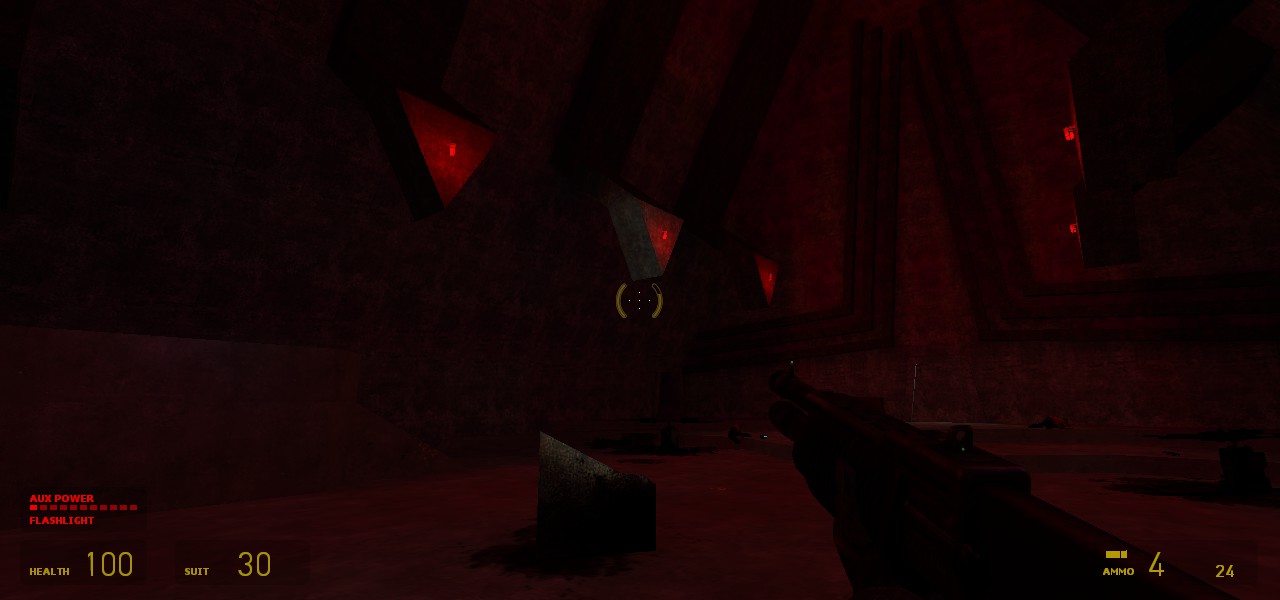
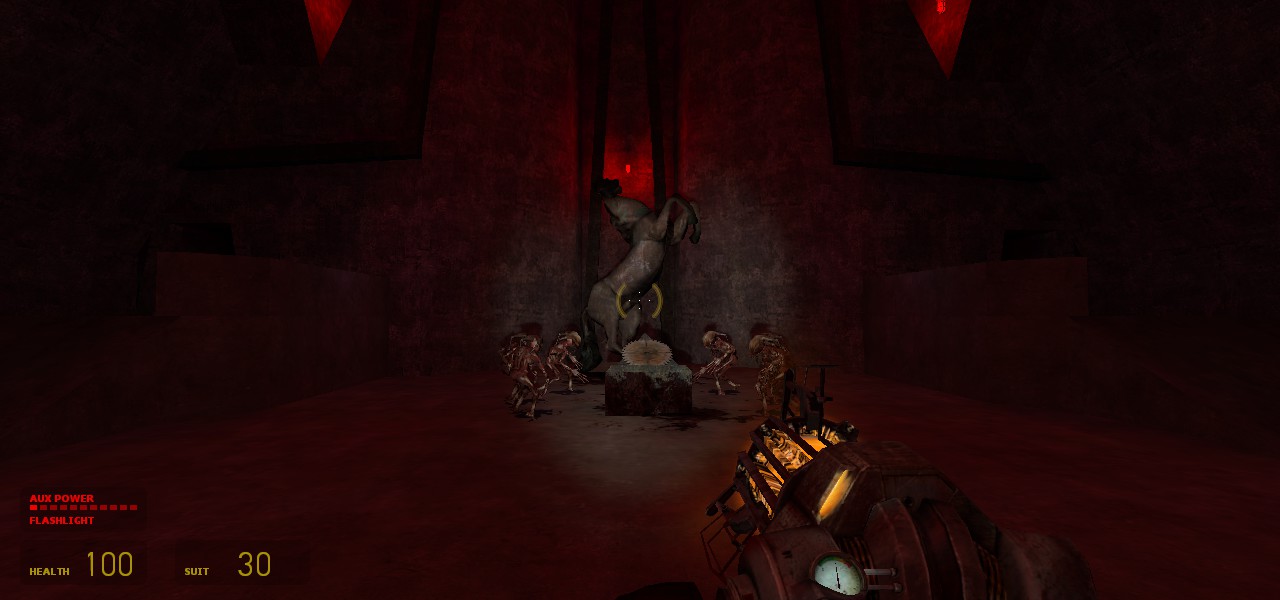
The context for this level has Gordon Freeman (the player) landing on the roof of a formerly abandoned hotel, with the goal of investigating rumors that the Combine has been kidnapping citizens and holding them there for some unknown purpose. Freeman fights through the dilapidated hotel to reach the ground floor, where he finds the prisoners as well as a mysterious elevator the Combine seem to be closely guarding and where supposedly more prisoners are being taken. Investigating further, Freeman discovers a hellish concrete sub-basement below the hotel filled with corpses destined to be turned into Headcrab zombies, at the bottom of which is an eerie statue which seems to have some occult effect over the zombies. Freeman must destroy it and escape.
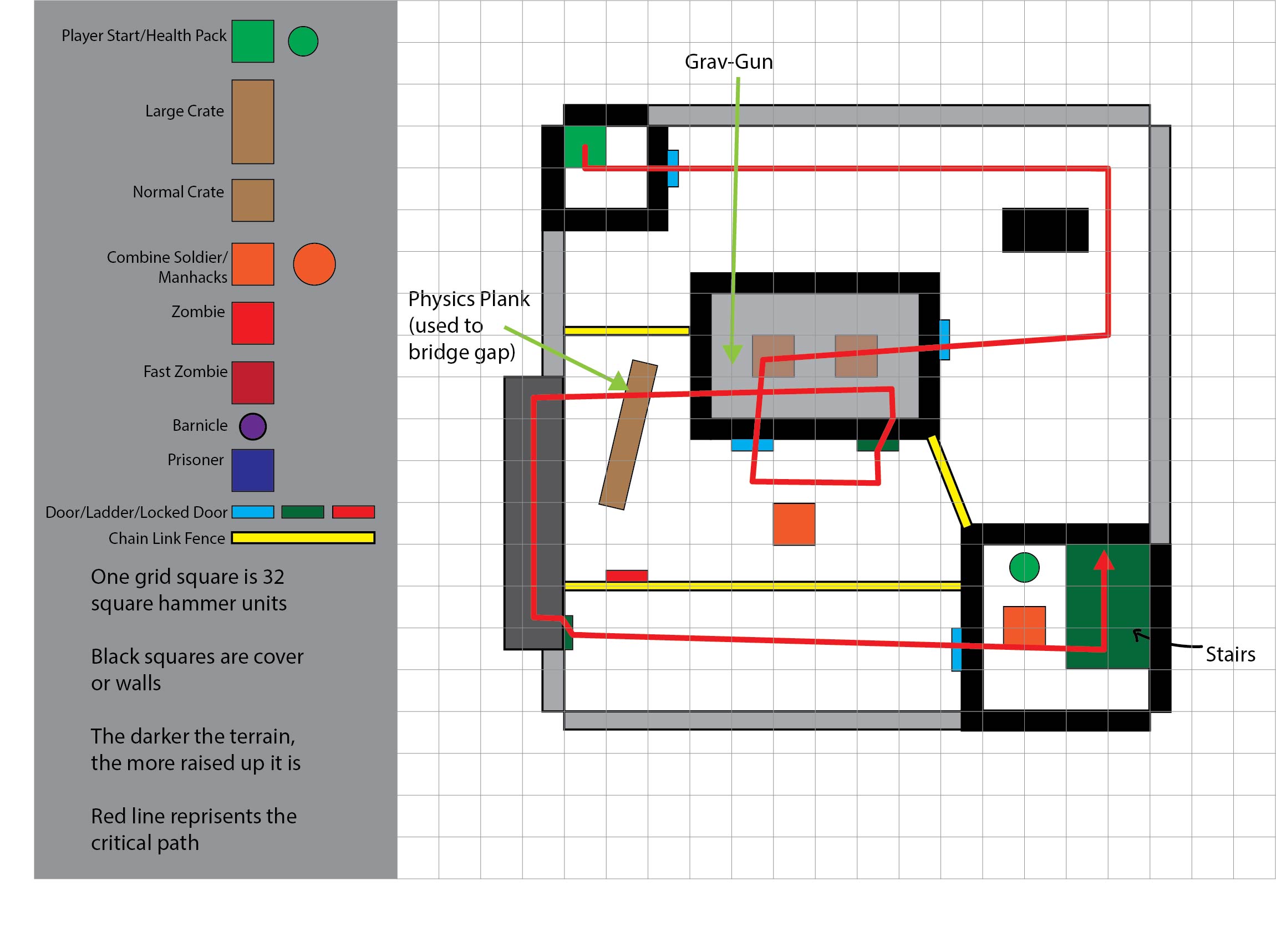
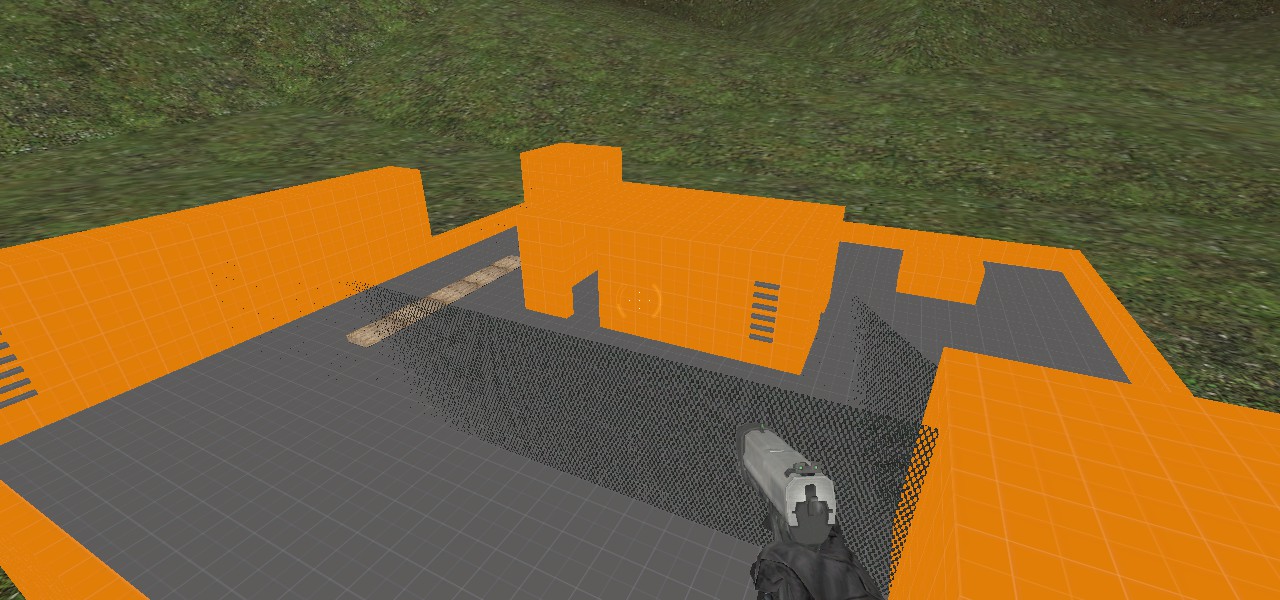
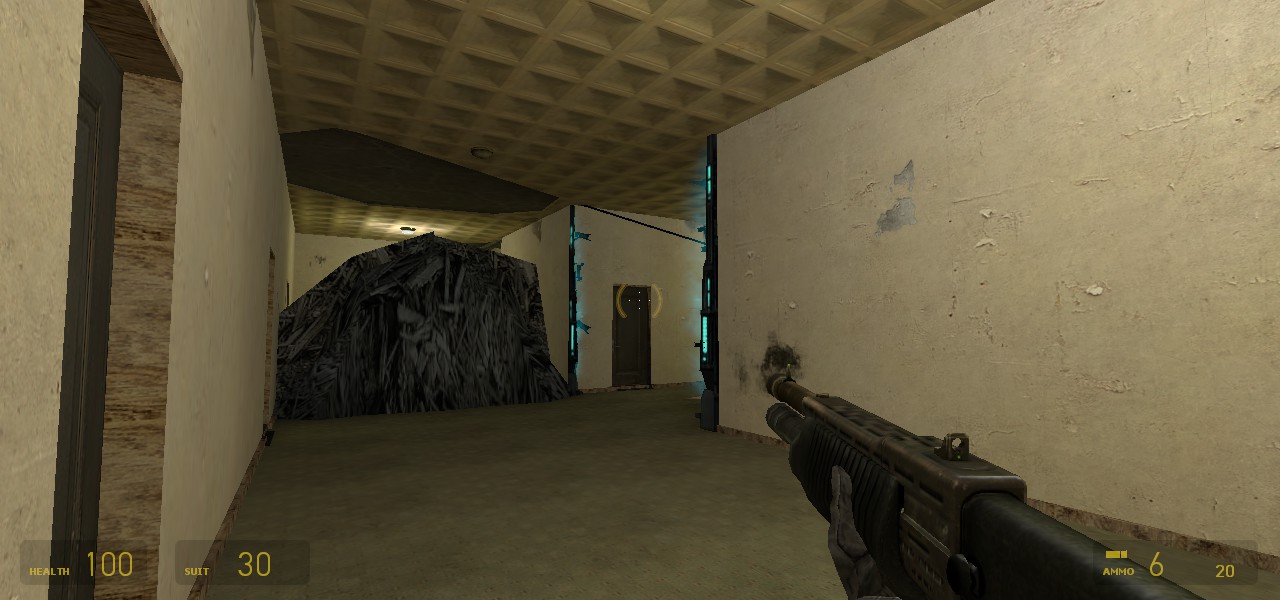
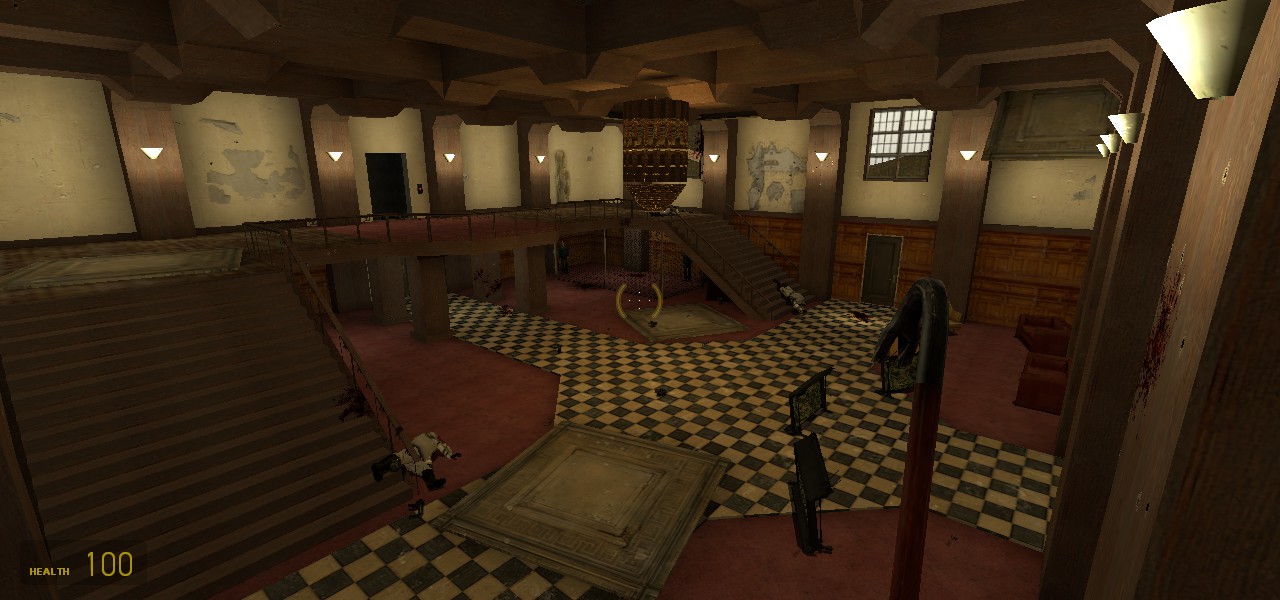
The Level is divided into two distinct sections; the rundown hotel above and the bloody dungeon below. I designed each section with a unique tone and style of challenges I wanted the player to face, and built the environments of each to support and communicate their respective tone. I have always been inspired by the the fluidity and ease at which the Grav-Gun lets the player interact with the environment, and decided to incorporate it centrally in a unique way in each section. Overall, I wanted to emphasize a feeling of descent, with progress always signified by downward movement. In the first section the player faces Combine guards on the roof and interior of a crumbling hotel. Here, I wanted to create engaging spaces for close quarters gun combat, and set up situations for the player to use the Grav-gun to solve environmental puzzles. I paid careful attention to the placement of items and pickups to control the pacing of encounters, granting the players additional tools to defeat the enemies as they descend through the rooms, and created simple puzzles that focused on using the Grav-gun to manipulate objects to clear their path, such as unplugging a force field or grabbing a plank to create a bridge. The true challenge with this section was creating a believable space. It is set in an old, crumbling, fancy hotel, and so I had to start by designing a set of functional, logical, and beautiful interior spaces, and then working backward to add weathering details to give it the dilapidated look. I paid special attention to fine details, adding splinters of wood to holes broken in the wall as well as creating a two layer floor and ceiling using hammers BSP geometry, where I placed a thin layer of carpet/ceiling stucco over a dingier wood or concrete texture underneath, so that I could carve out chunks of the ceiling and floor, resulting in a convincing damage effect. It worked especially well for the ceiling, as I could make tiles or chunks of ceiling peeling off or lying on the floor where they had fallen, revealing the structure beneath. I chose this aesthetic because Half Life’s setting is very dingy and ruined, almost post apocalyptic and so, the majority of the textures appear dirty and ill maintained; perfect for the setting I had in mind
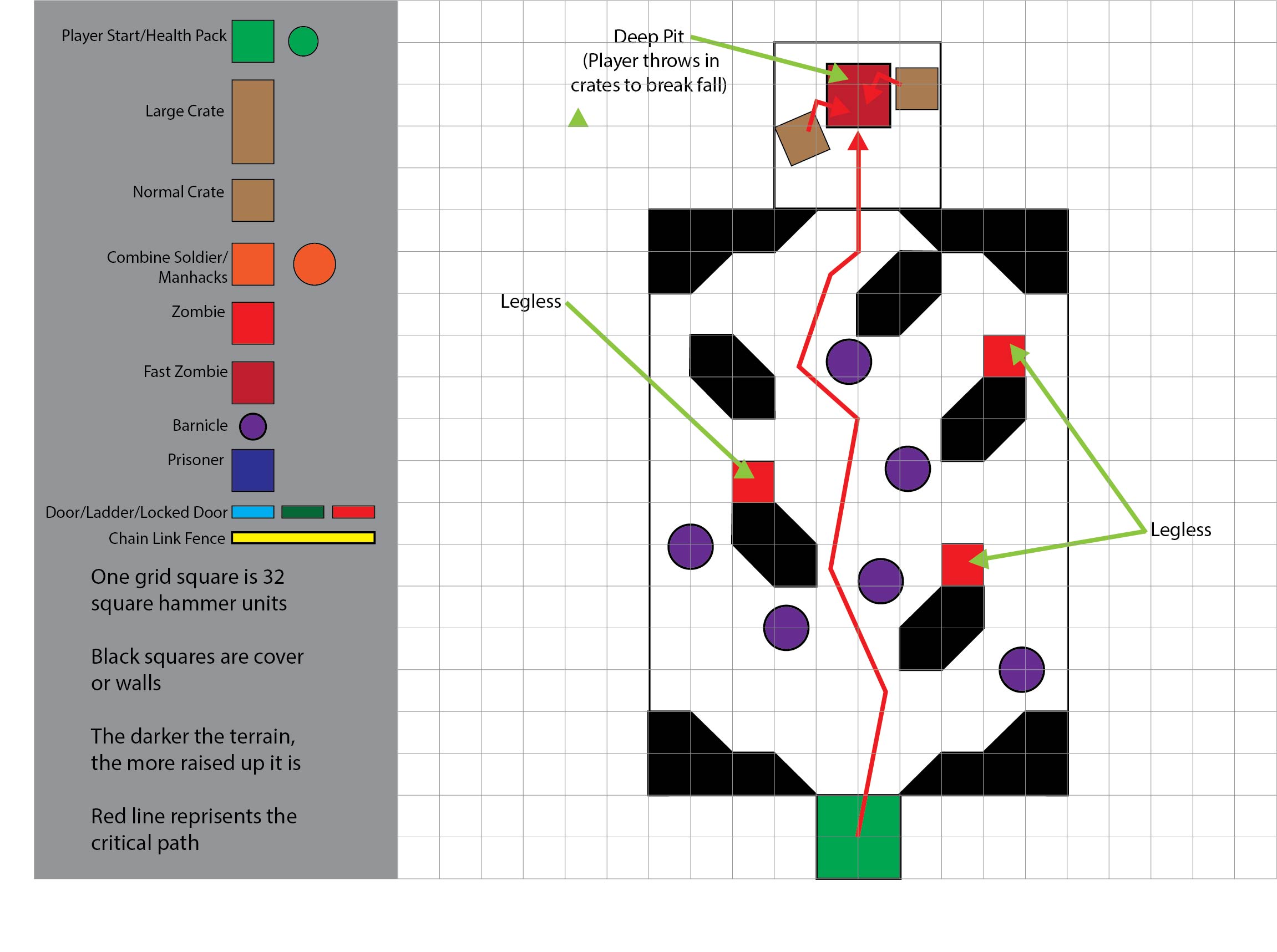
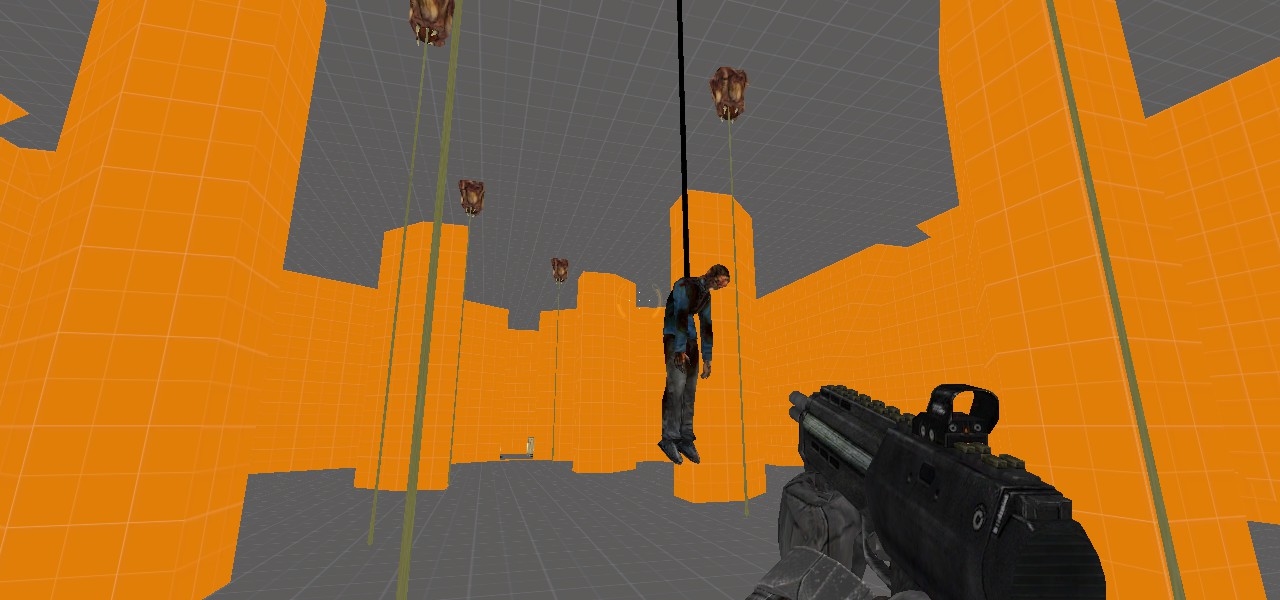
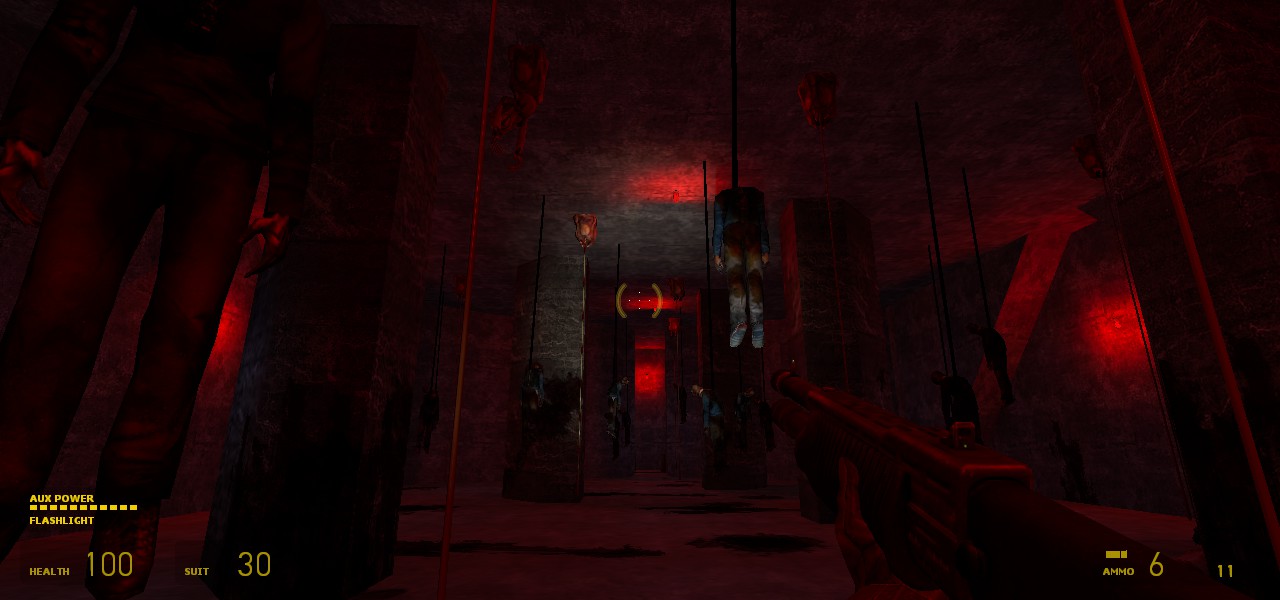
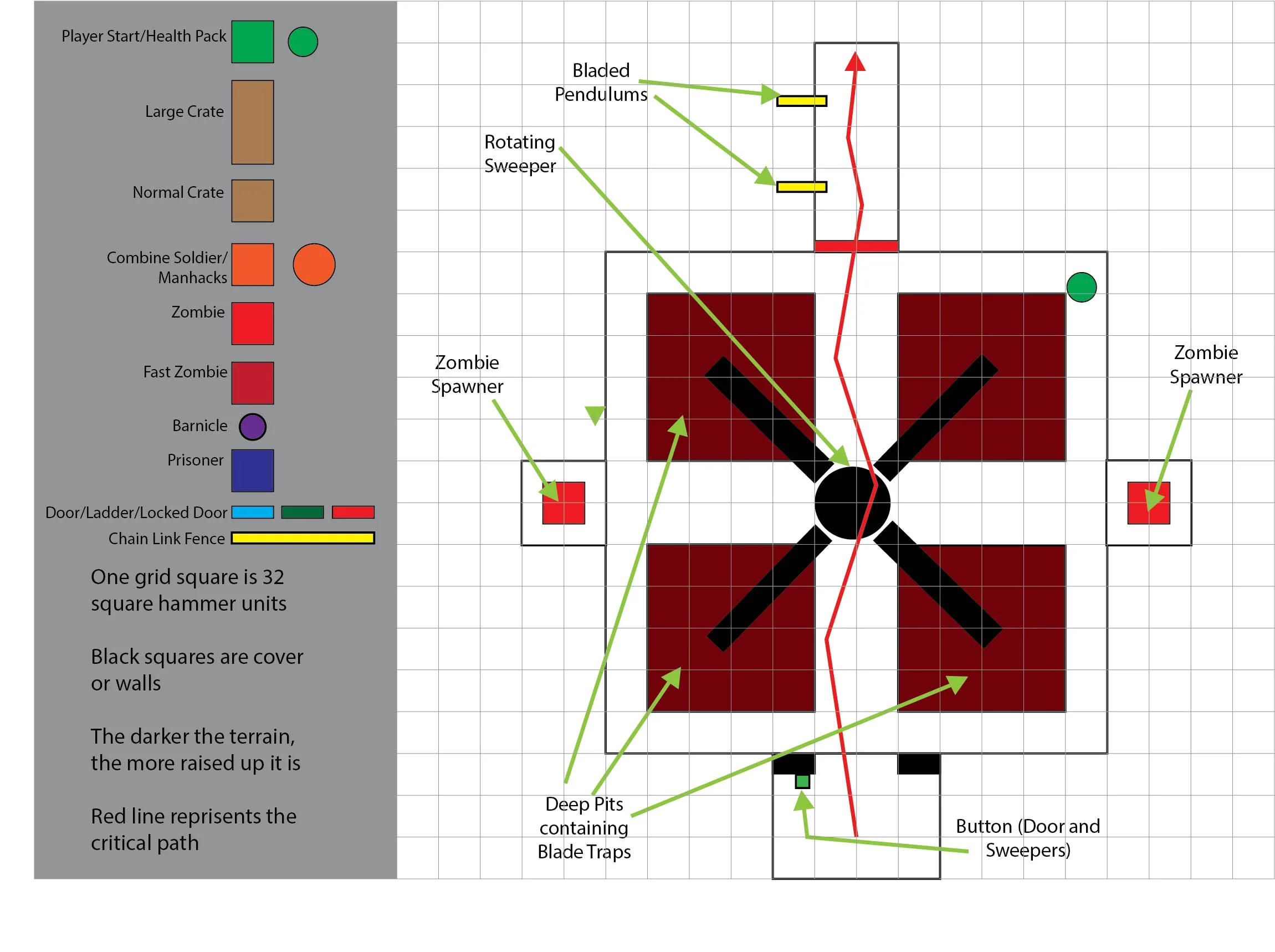
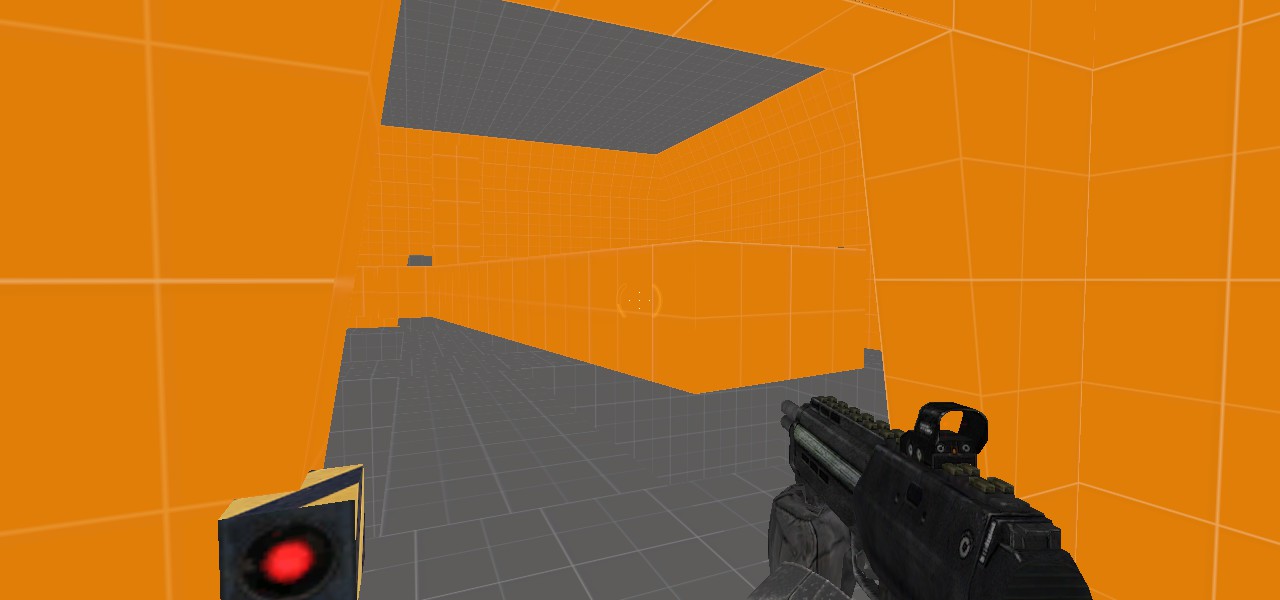
In the dungeon section I enjoyed a little more conceptual creativity by building a space not dependent on any human logic or established aesthetic cues. Mechanically, I built it to involve combat with Headcrab zombies using the Grav-gun and challenging horde engagements, but primarily, I designed it to look hard-edged and creepy, like a torture chamber. I used aggressive, imposing, angular architecture to create dark, claustrophobic rooms, and lit them dimly in red. My primary props were bloodstains and corpses. I designed each encounter as much for on theme spectacle as for engaging gameplay, often including ways for players to lure or force zombies into brutal traps, such as the introductory meatlocker chamber, where barnacle monsters that hang from the ceiling are hidden among corpses dangling on ropes, or the grinder chamber, where a giant bloodstained fan sweeps flailing zombies into gorey saw pits.
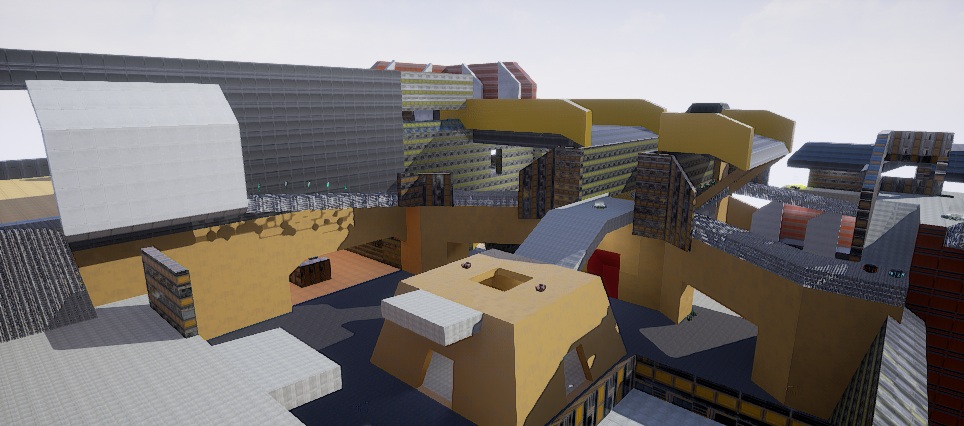
UT4 MAP DESIGN
TACHEON - Deathmatch map
Functional whiteboxed map prototype
Made in the Unreal Tournament 4 Editor
Designed and prototyped by me in 2018
I worked on this map as part of my advanced seminar in level design class over about three months. During the class, I was able to define a project for myself relating to an aspect of level design that I wanted to explore and practice. I chose to whitebox a deathmatch map in the Unreal Tournament 4 editor, as I absolutely love designing multiplayer maps and had taken the editor for a spin before. For this project, I wanted to take a deep dive into the process of designing a multiplayer map, and advance my skills at creating spaces for multiplayer shooter combat. I wanted to set goals for the player experience of the final layout and design with the intent of reaching those goals. This is the map whitebox I came up with, called Tachyon.
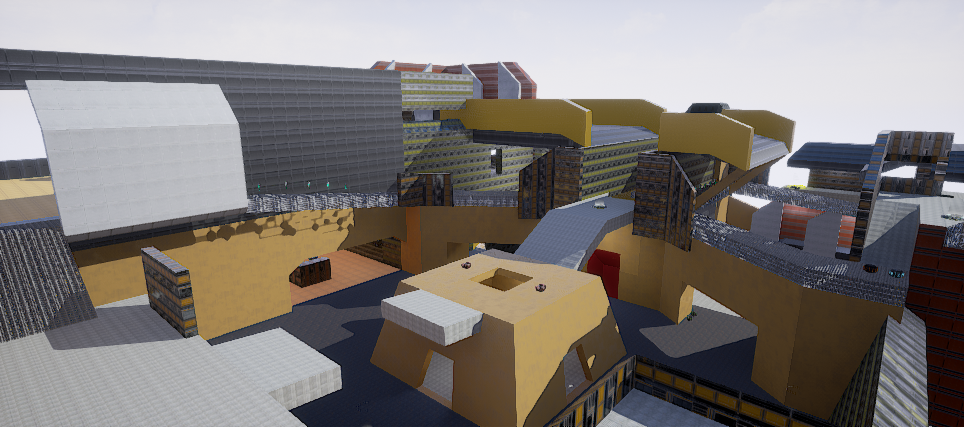
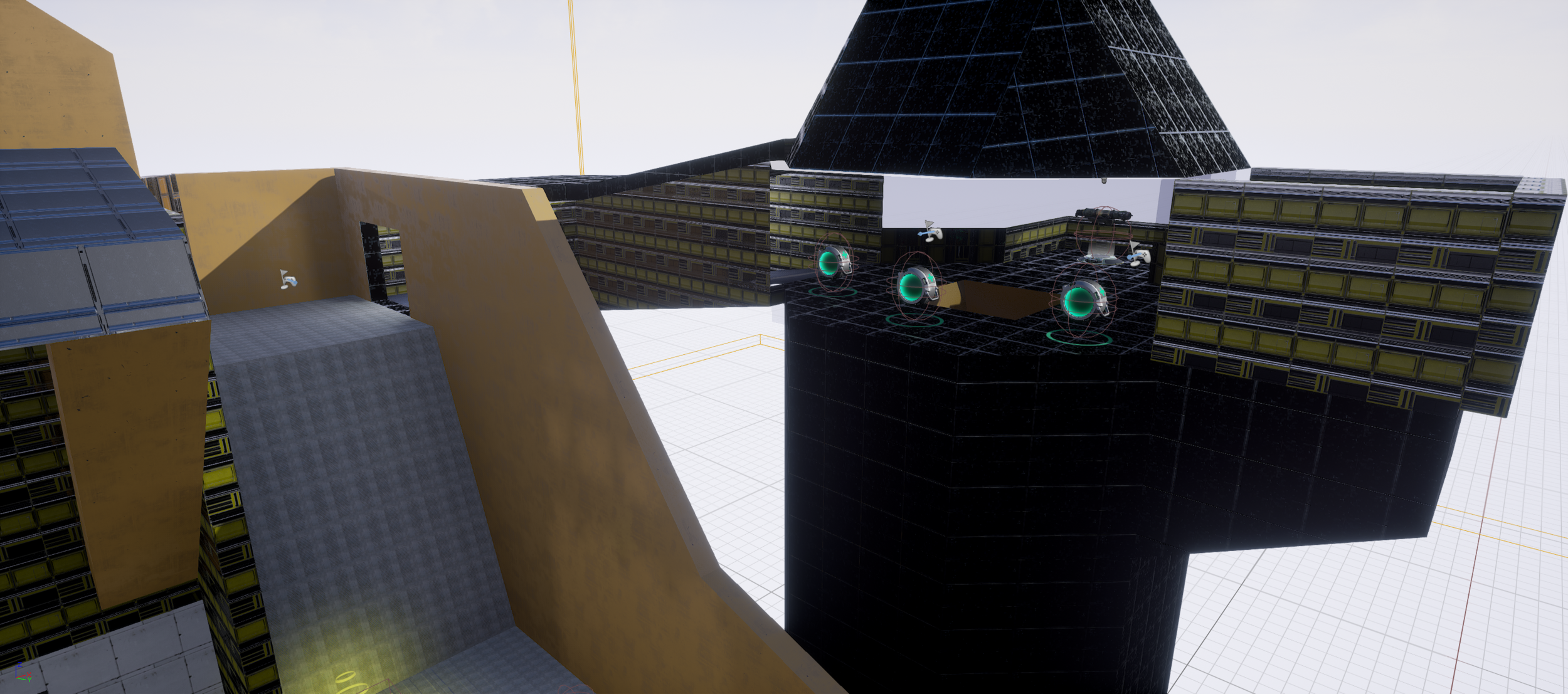
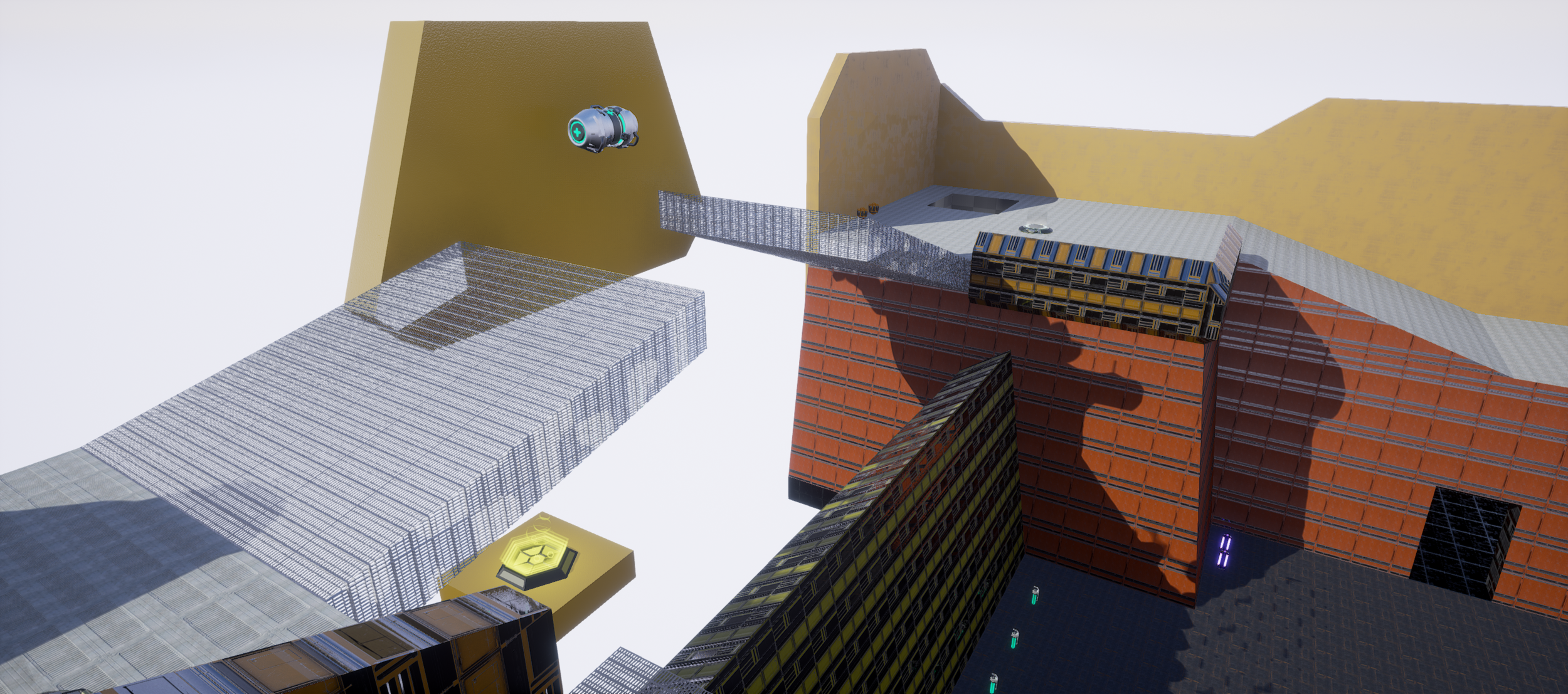
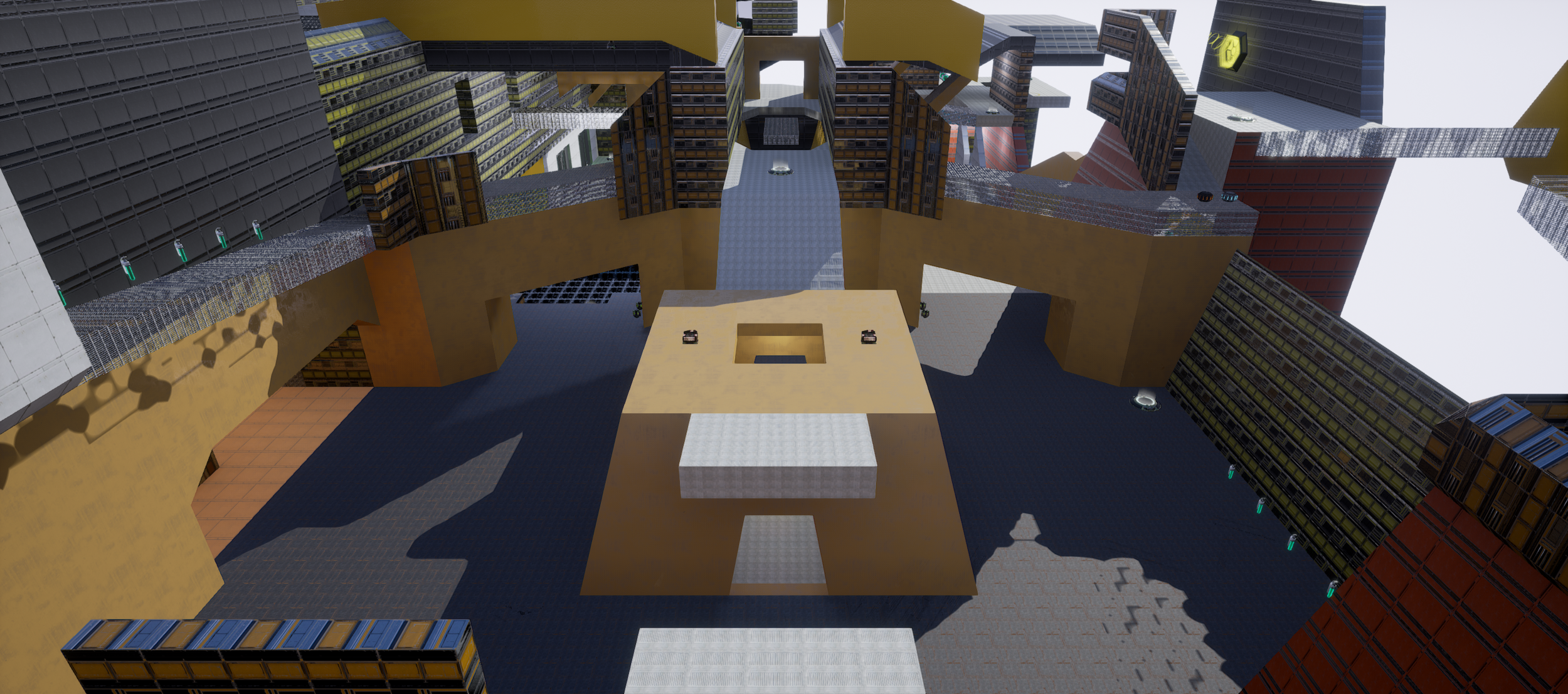
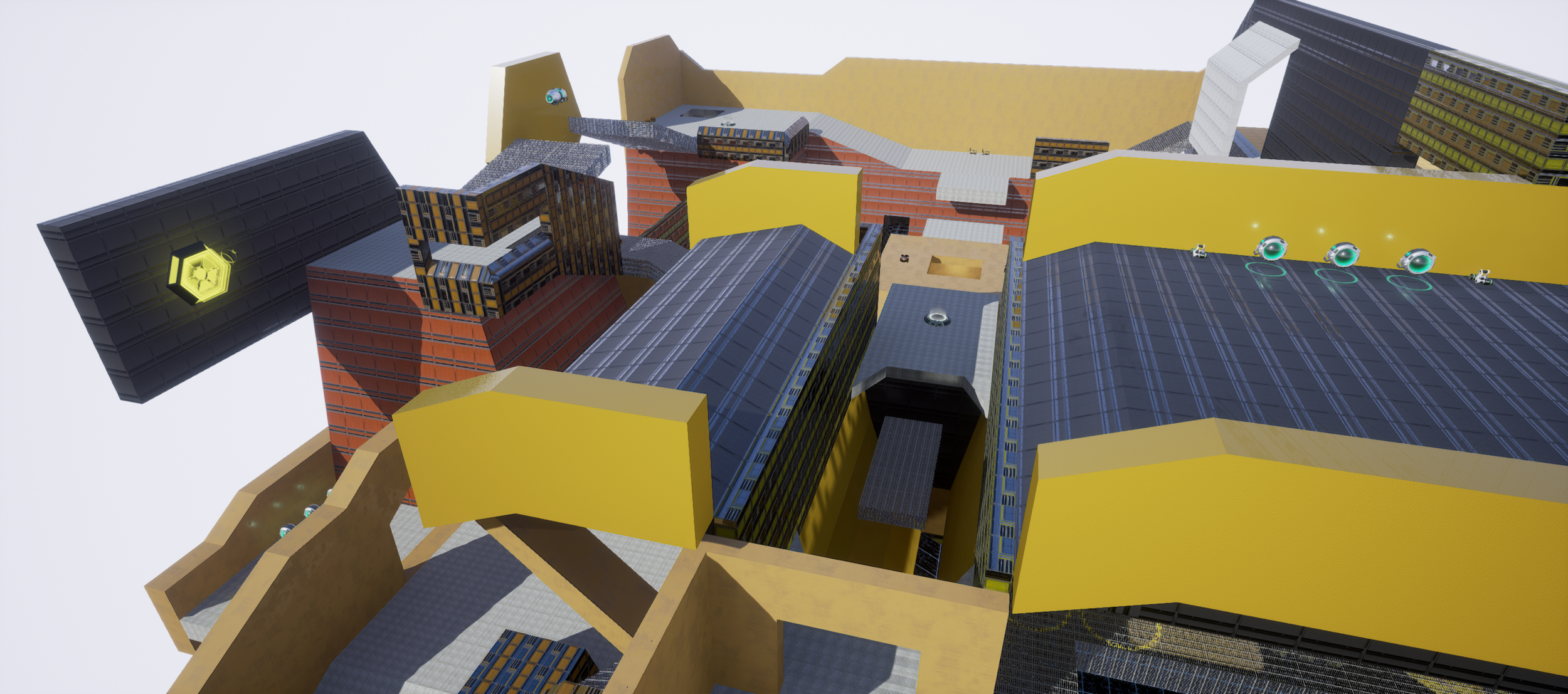
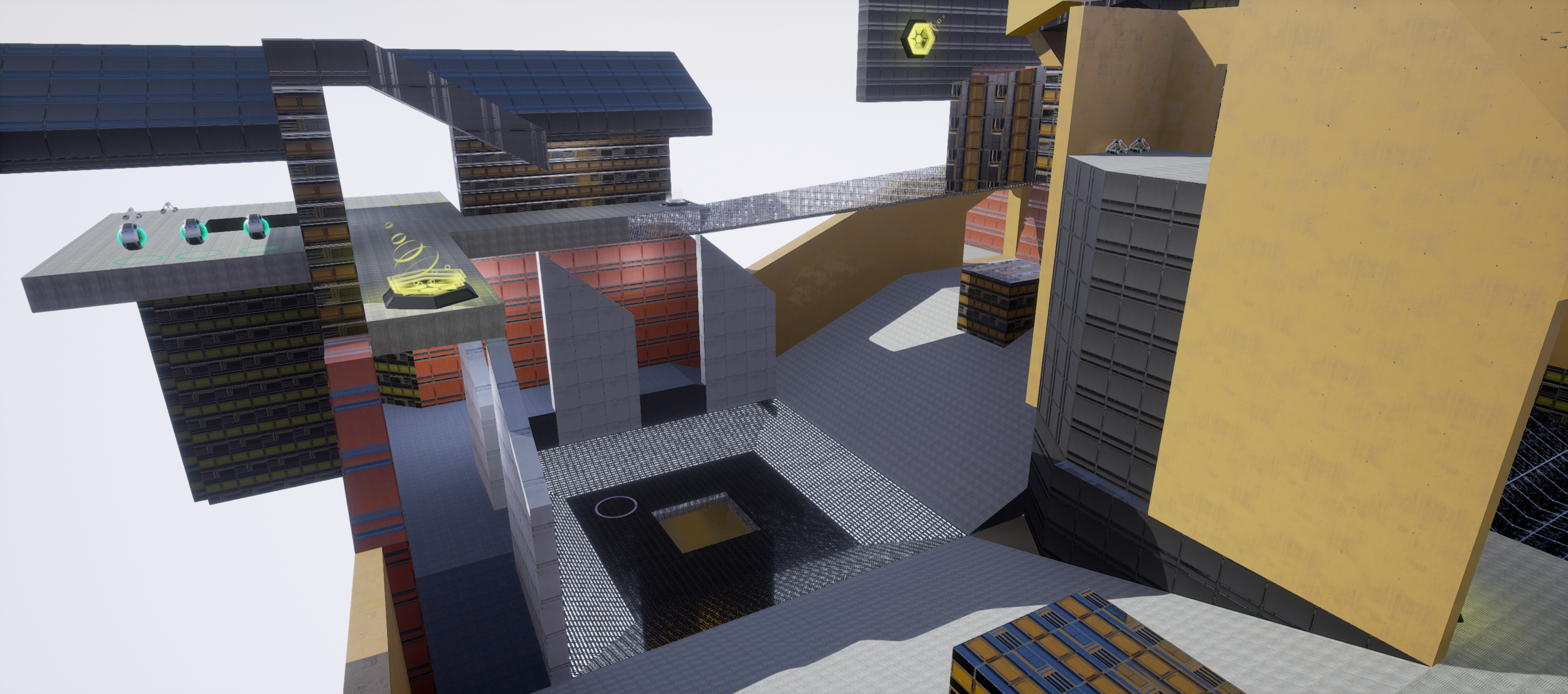
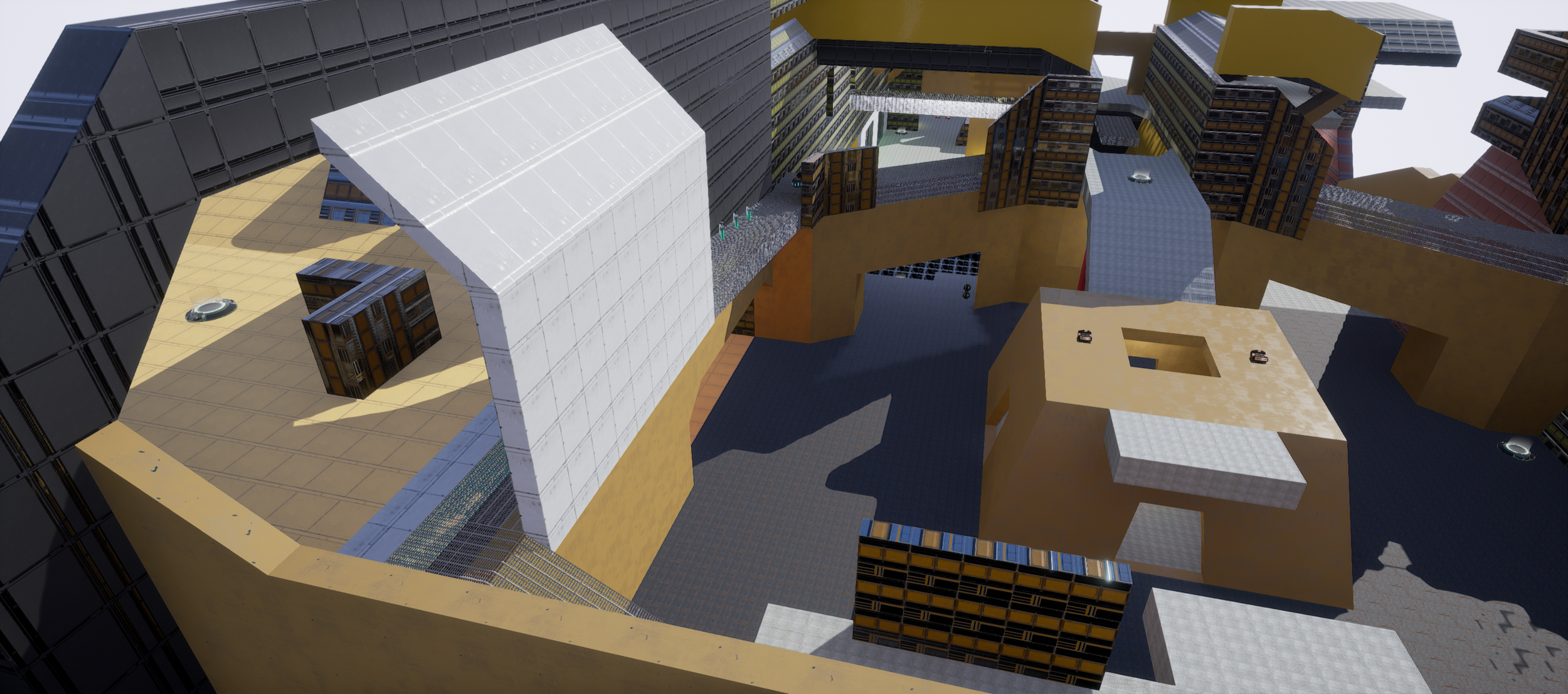
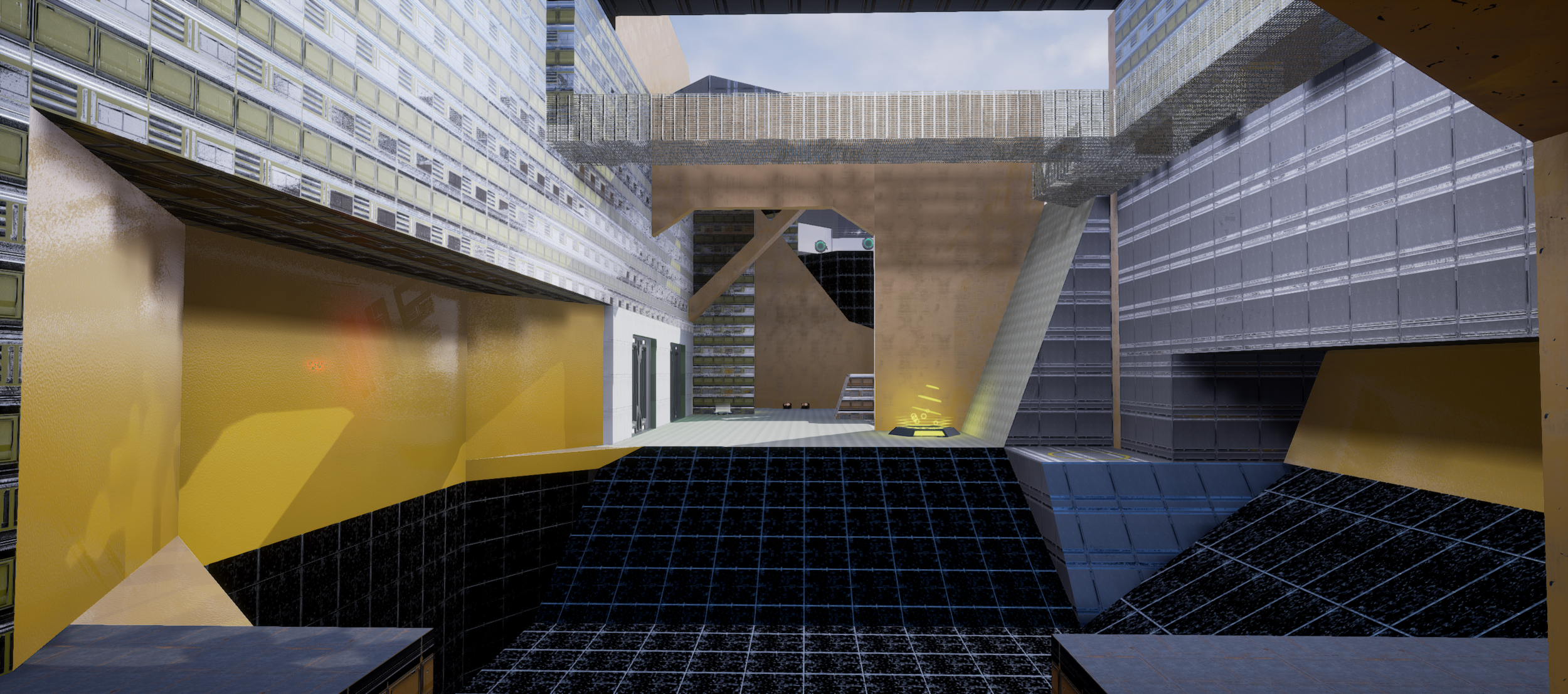
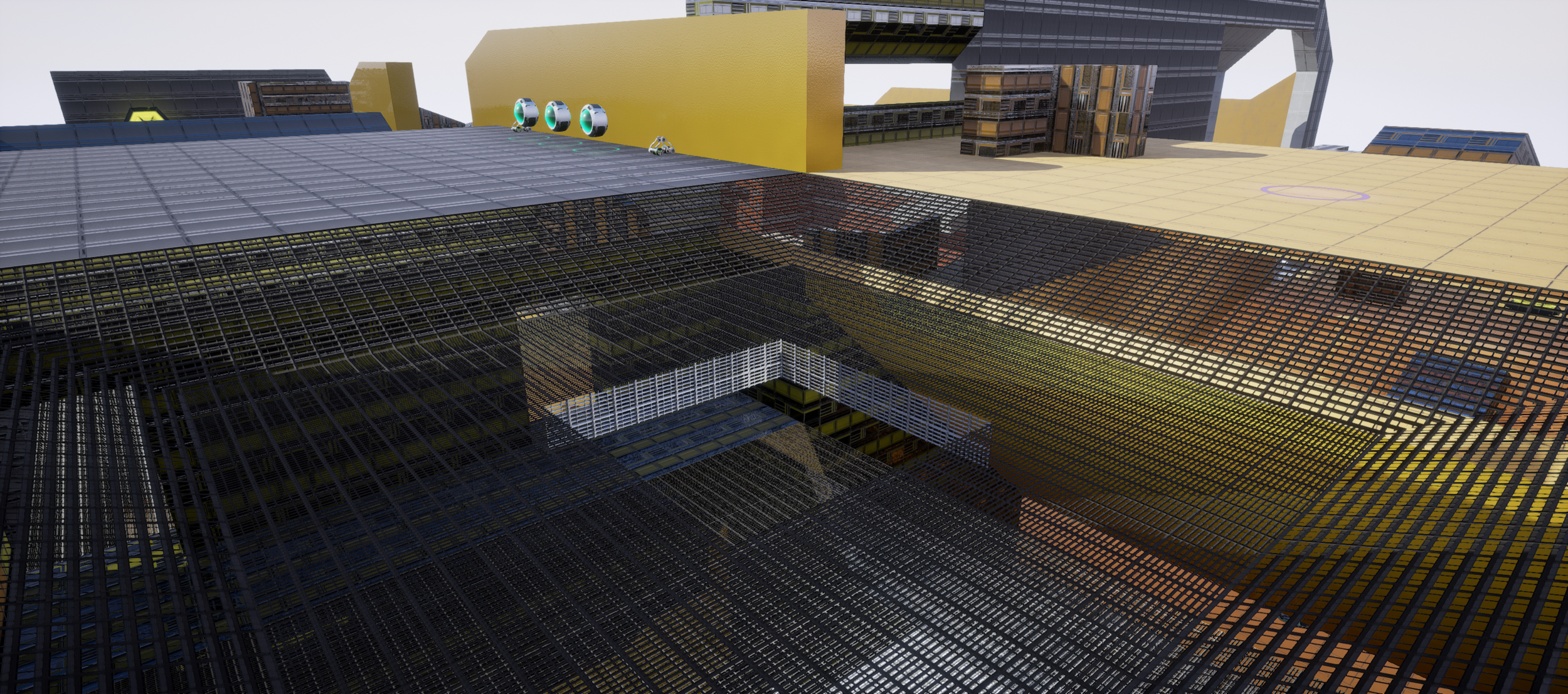
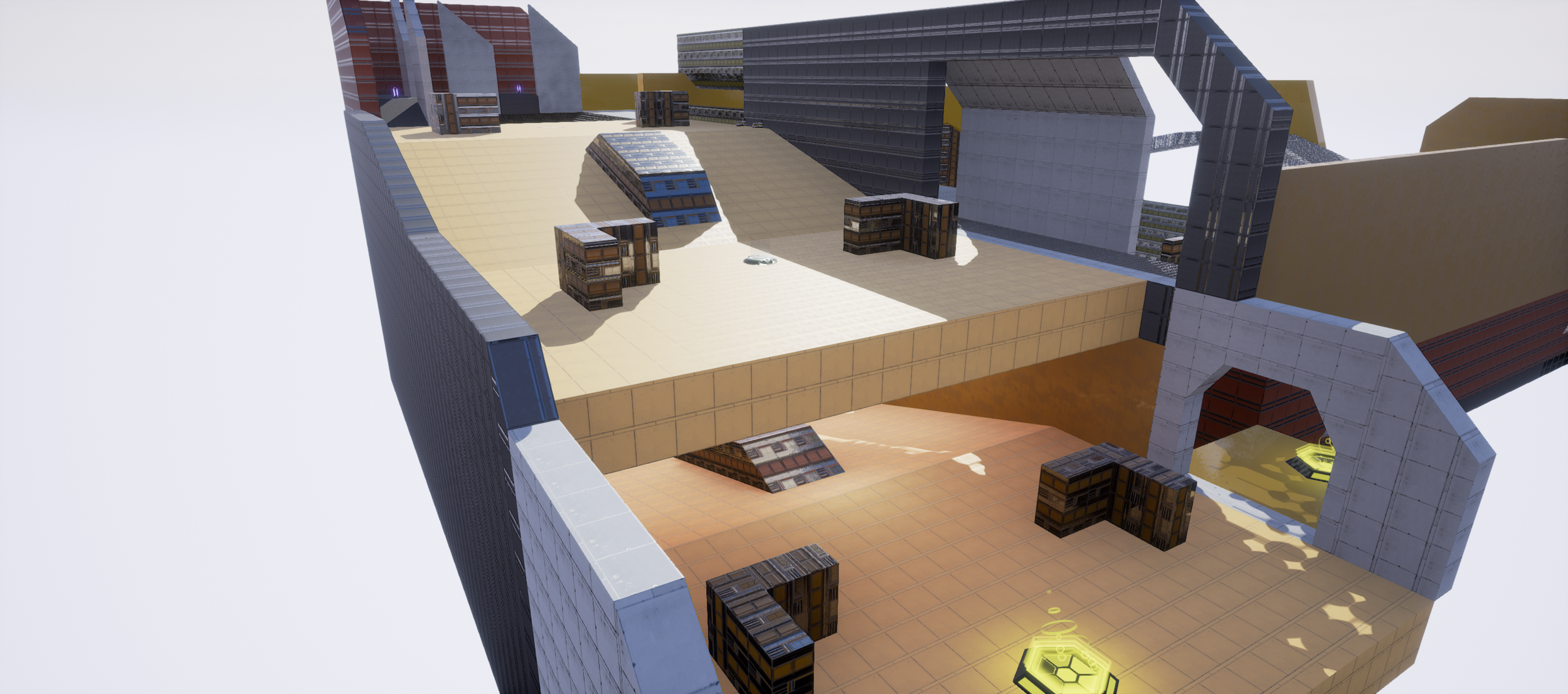
For this map, I had three main gameplay pillars that I sought to express in the design of every area. The first was verticality. I find that fast paced arena shooter gameplay limited to one plain gets stale quickly, and when designing a map, making it too flat is an easy trap to fall into. Verticality focused design not only keeps gameplay moving in three dimensions, but is much more pleasing to the eye. I challenged myself to add multiple vertical levels, both big and small, to every area, and create pathways for players to traverse up and down without breaking map flow. My second pillar was close quarters combat. I wanted to promote intense cover leaping an corner turning gunfights, and control the long ranged sightlines so that engagements at that range required more knowledge of the map and good positioning. Its easy to make maps too large scale and too open, leading to a frustrating dominance of sniping strategies and an inability to dodge attacks, and I sought to avoid these issues in my design. My last pillar was an emphasis on multiple paths. I wanted to make sure that every area had multiple ways in and out, and multiple paths through it. For players unfamiliar with the map, I wanted it to feel like a roller coaster, with a myriad of options spreading out as they explore, and for experienced players, to feel like the map always offers multiple strategic options.

TOP DOWN MAP LAYOUT AS IT APPEARS IN DOCUMENTATION
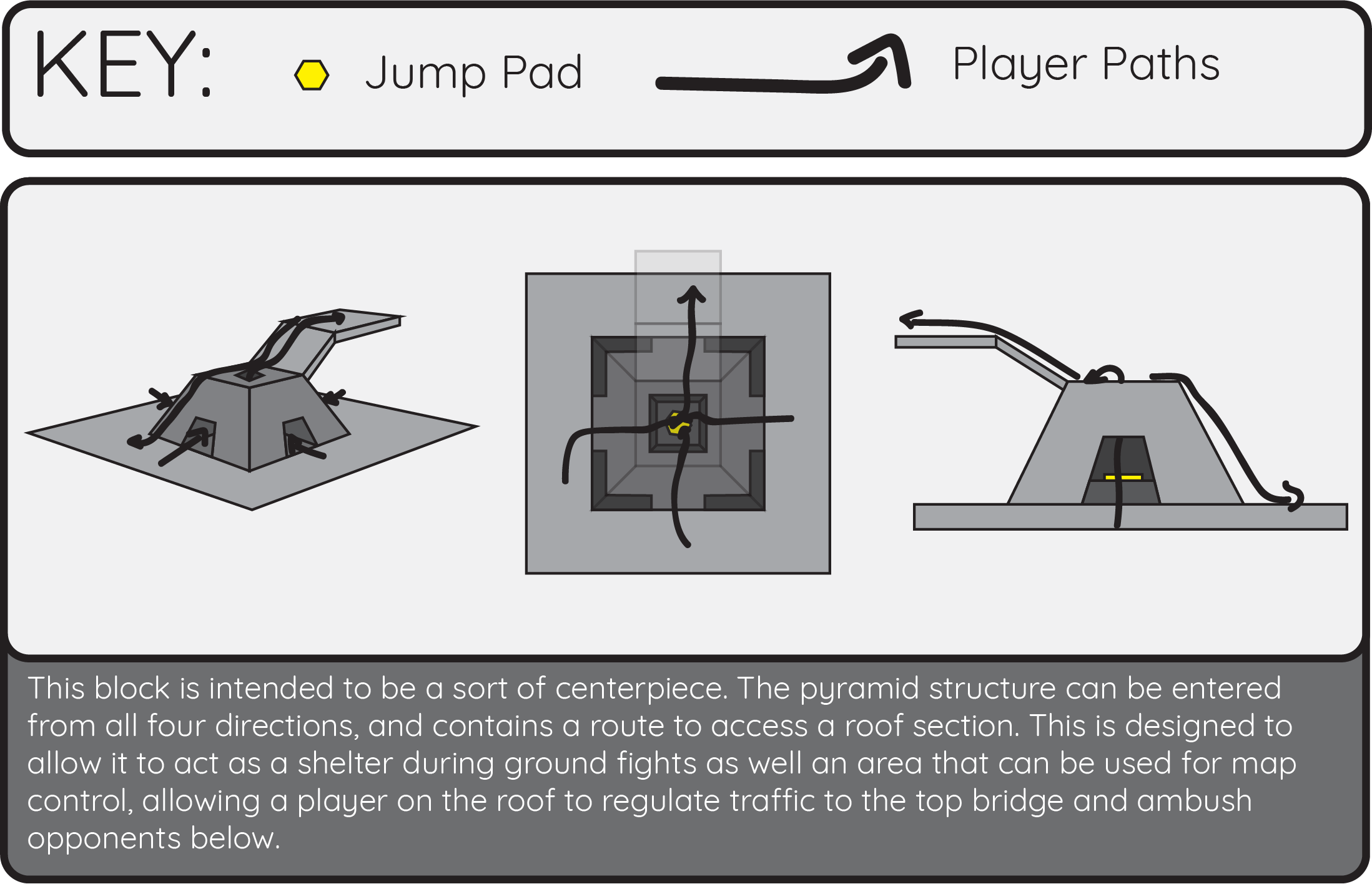
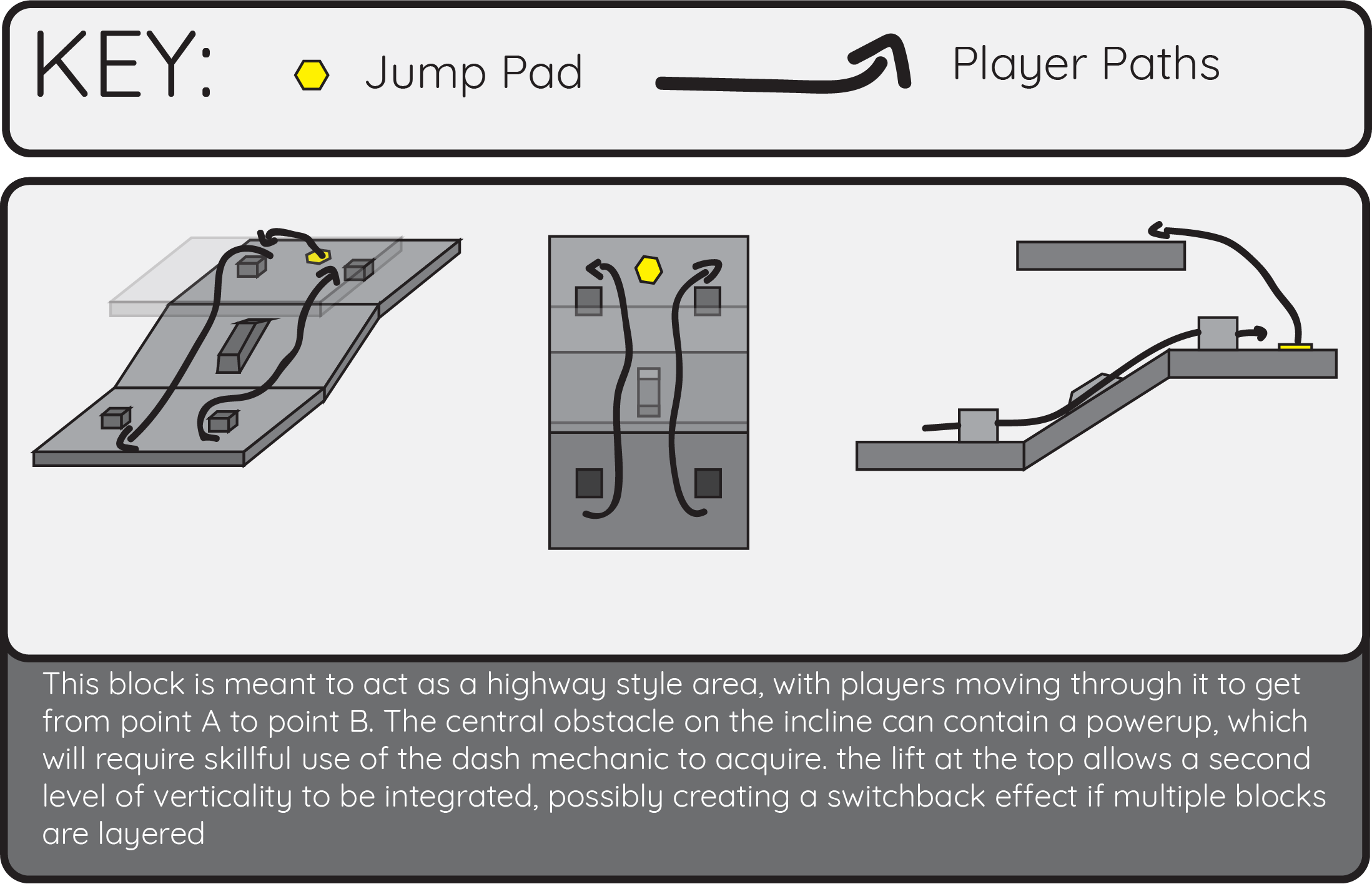
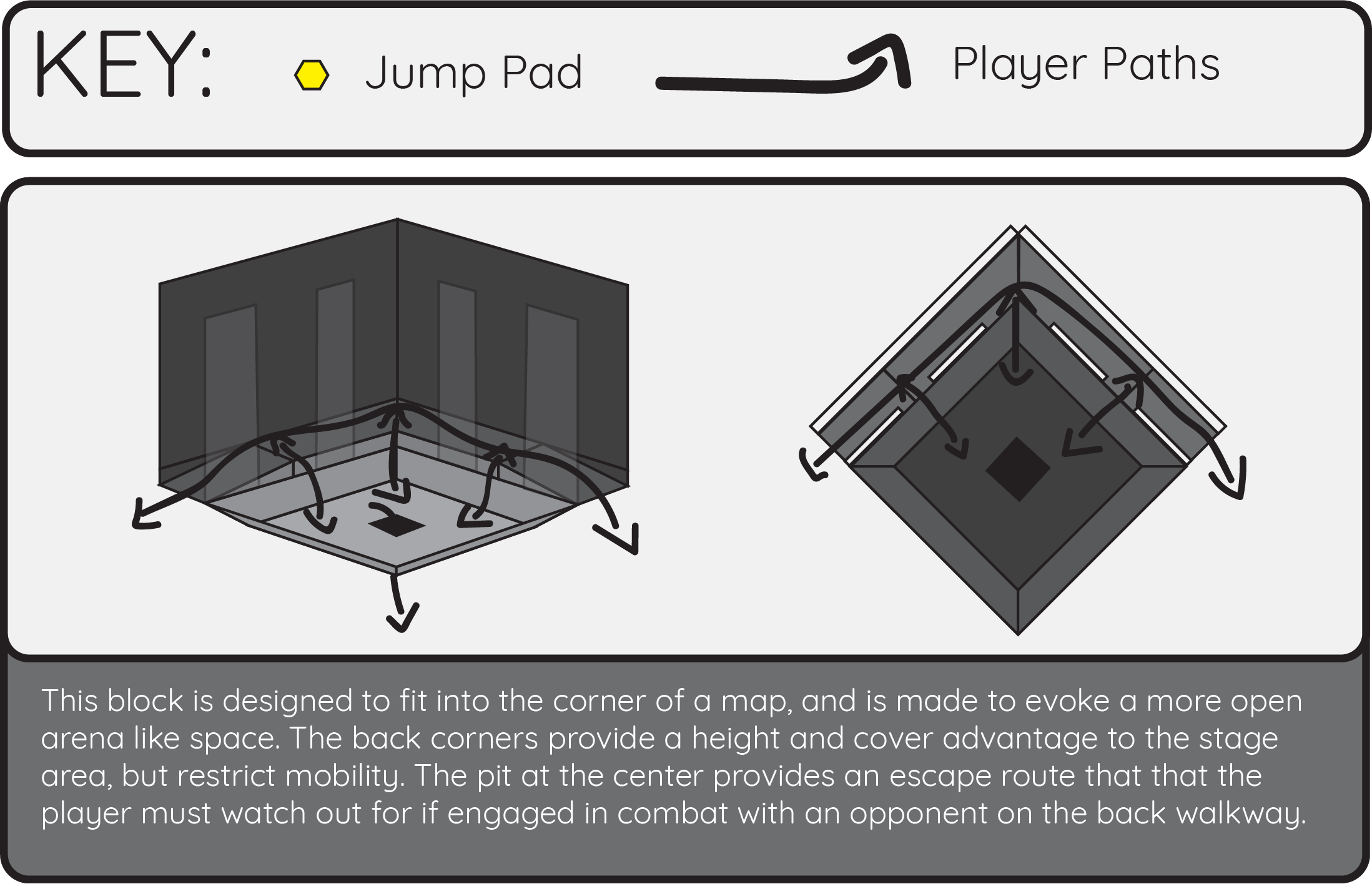
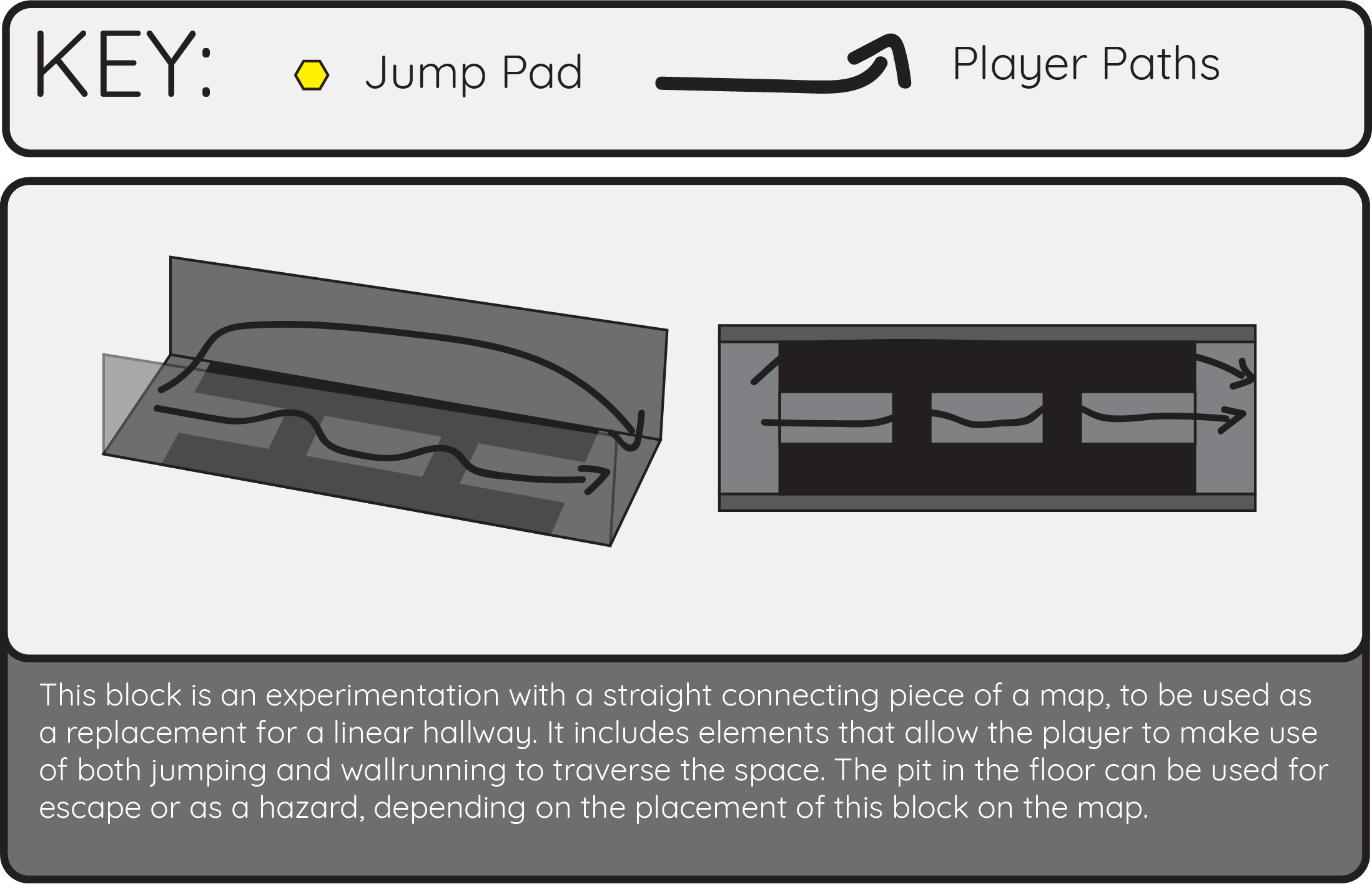
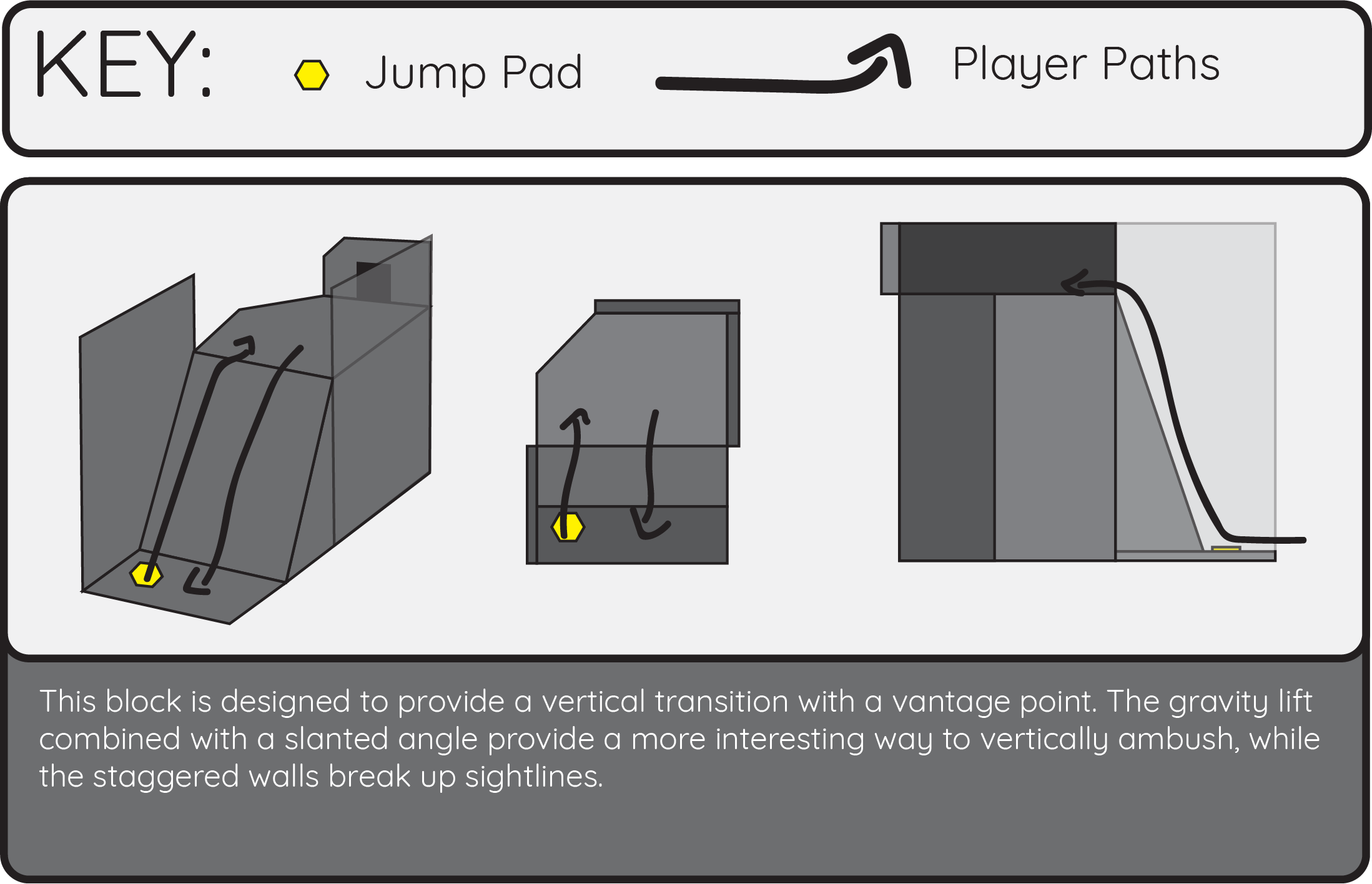
During the development of the map I used an experimental planning process. I designed the map in little pieces, creating ‘action blocks,’ room sized fragments of map meant to be semi modular. I built each one with a specific purpose (hallway, central area, corner, vantage point, ect.) and to integrate with each other. Building the map in little pieces allowed my to really concentrate on making sure my three pillars were properly expressed in each one, and gave me room to iterate drastically without needing to rearrange the layout of the whole map. I started by sketching them out quickly on paper, allowing me to rapidly get ideas out of my head and documented, then knocked them out using the editors BSP geometry, after which I continued to iterate on them in engine. After I had built about 5 or so, I began arranging them into different layouts to lay the foundation of a flowing map. After finding a layout that satisfied me, I then added details to stitch the map together. Using the core action blocks as inspiration, I added walkways, lifts, cover, and rooms to escape too. That was definitely the most creatively engaging part of the process. Lastly, I added weapons, powerups and pickups, added materials for a little extra flair, and continually tested and modified the map. The result was a fully playable whitebox of a deathmatch map for unreal tournament 4.
Astrobuster is a cosmic, kinesthetic, 2D asteroid smashing game. I built it as a solo project for a studio class. My objectives going into this project were to put all of the skills I had learned during my time at Champlain College to the test by taking an idea that inspired me and carrying it through to as polished a state as I could reach in the time I had. The game was built over the course of three months, using Unity 2D, and was entirely self driven and directed, and all assets, scripts and design were created by me alone. I made sure to enjoy the development process, as I had total freedom to design the game I wanted to, and made the most of the opportunity by focusing on time management, planning, and self accountability. By the end of the project, I was filled with the warm glowing feeling of carrying my own idea from concept to playable, responsive reality.
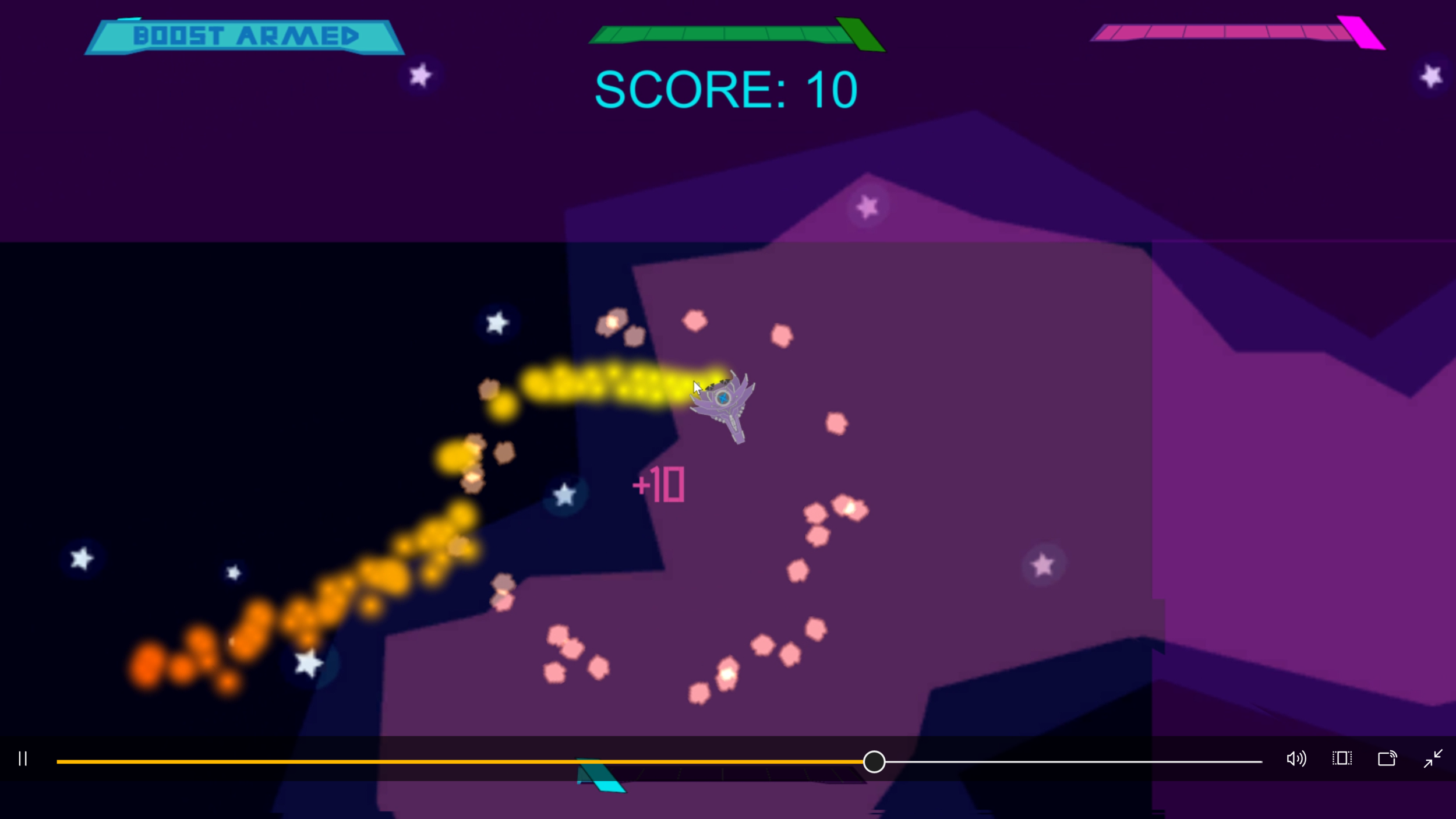
In the game, the player navigates a ship locked in a square arena into which dangerous asteroids are pouring, and ricocheting around the environment. The player must fly carefully around these asteroids to avoid taking damage, and use their special boost in conjunction with several abilities and powerups to destroy the asteroids and score, in hopes of beating the level by scoring high enough. The game is designed around the combination movement/offensive boost ability. When triggered, this ability instantly gives the ship a rapid burst of momentum in the the direction the player is aiming, smashing any asteroids in the way. The game's controls are designed for an Xbox controller, in a twin-stick format, with the left stick controlling movement and the right aiming the direction of the dash and certain abilities. Smashing multiple asteroids in a single dash results in a combo, which grants bonus points. The player can also select one of three offhand abilities to use during the game: Missiles which are limited in supply but can destroy groups of asteroids at range, a defensive shield which wards off damage, and a projectable beam which freezes asteroids in their tracks. additionally, the player can grab powerups which freeze clusters of asteroids, grant increased dash recharge speed, or make them ephemeral.
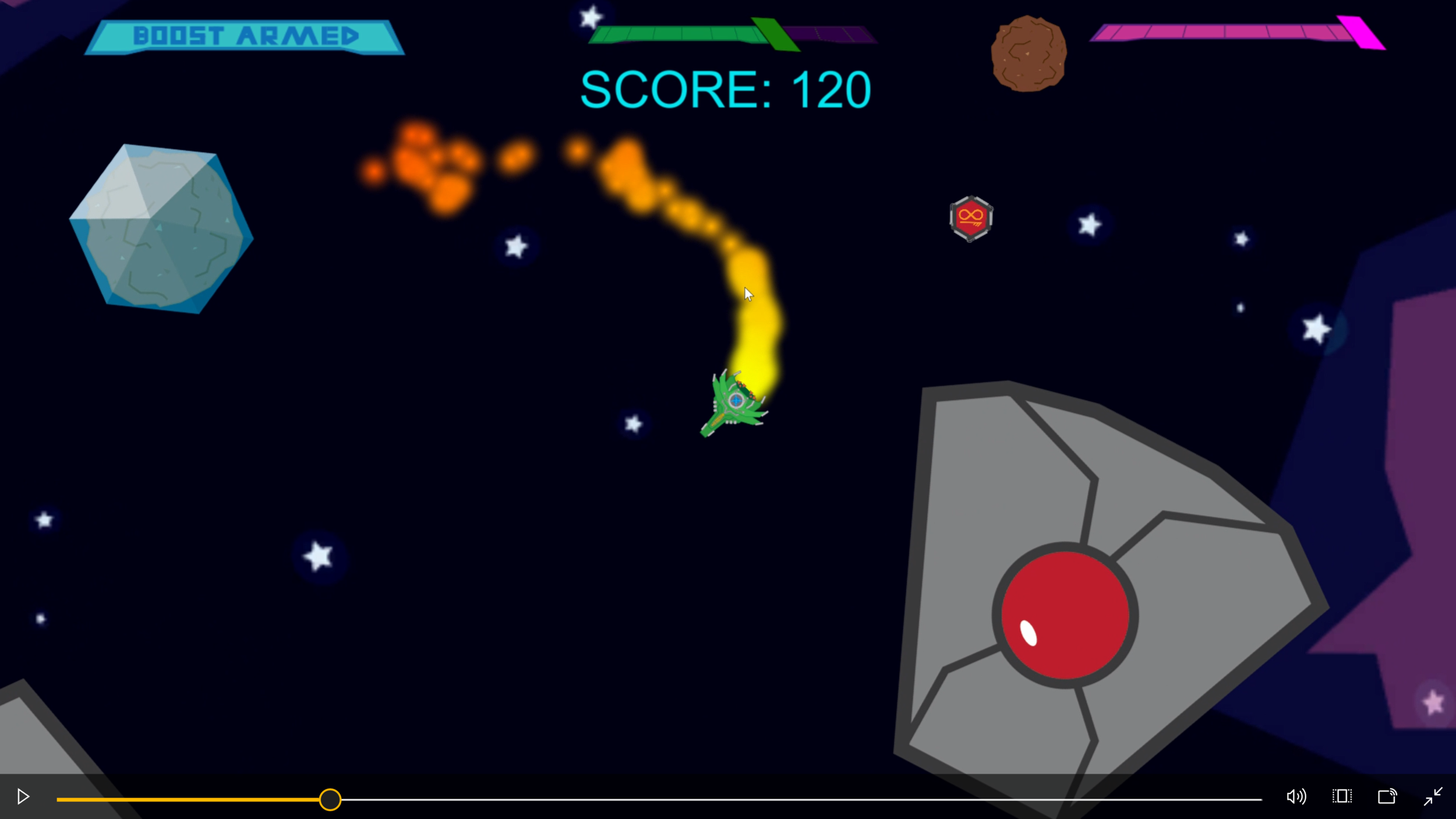
The core aspects of design that I wanted to focus on while building this game were Kinesthetics and feedback. I wanted the game's mechanics to feel solid and responsive, particularly in regard to the movement and boosting mechanics. since the core gameplay loop relied on the player's ability to dodge asteroids and reliably dash through them, I had to make sure the movement was smooth, and the player could change direction rapidly but smoothly, while still bouncing off objects in a realistic way. I also had to make sure momentum could be instantly halted and redirected for the boost to function as intended. I made use of Unity 2D's rigidbody drag effects to achieve these effects, cranking up and down the drag as needed to achieve the proper movement responses. I also had to pay special attention to how to give the player feedback on what was happening, especially with regard to scoring, abilities, and damage. Wherever I could, I concentrated feedback on the ship, as that is where the player would be most often looking, supplementing the border UI wherever possible. Another interesting challenge for this game was level design, making the arenas distinct in a way that was directly evident to the player. I chose to approach this by creating a series of large moving obstacles in each level which, while harmless to the player, stirred up the bouncing asteroids in a way that enhance the chaos and thinking factors of each level.

While working on Astrobuster I learned a lot about personal time management and thinking about a games player experience while building it. I was solely responsible for realizing every aspect and asset of this game, and consequently, I needed to plan my time and tasks carefully in order to make sure progress was moving at an acceptable pace. I made use of agile planning methods in my production, taking advantage of my schools agile project server's task boards and time estimation systems to accomplish my planned features through a series of weekly sprint cycles. This gave me the opportunity to practice agile development methods in a self-managed environment, granting me enhanced confidence and familiarity with those methods. While this project was personally directed, I still wanted to make sure I was creating a play experience which was producing the intended effects in my player base. I tackled this by making sure my goals for the projects gameplay were clear: feedback and kinesthetics. With these clear goals in mind, I was able to gauge my design decisions by them to make directional decisions about the content I was producing to create the player experience I was after. The success of this method was evident in my QA results, with testers routinely reporting satysfaction with the mechanics.
KAISERWAVE
For a final project in my game production class in my second year of college, I worked together with a small team of my fellow classmates for four weeks to create Kaiserwave. Kaiserwave is a turn based wave survival game based on the historical Second Battle of the Somme in World War One built using Unity 2D. The project was very ambitious considering our group's small size and our skill level at the time, but because of our collective belief in the project, we were able to create a very striking product. We only had four team members-- two designers, one artist and one producer, so for this project I assumed the role of programmer instead of focusing on design. That said, I worked quite closely with the designer and had a large creative say in how the game was designed.
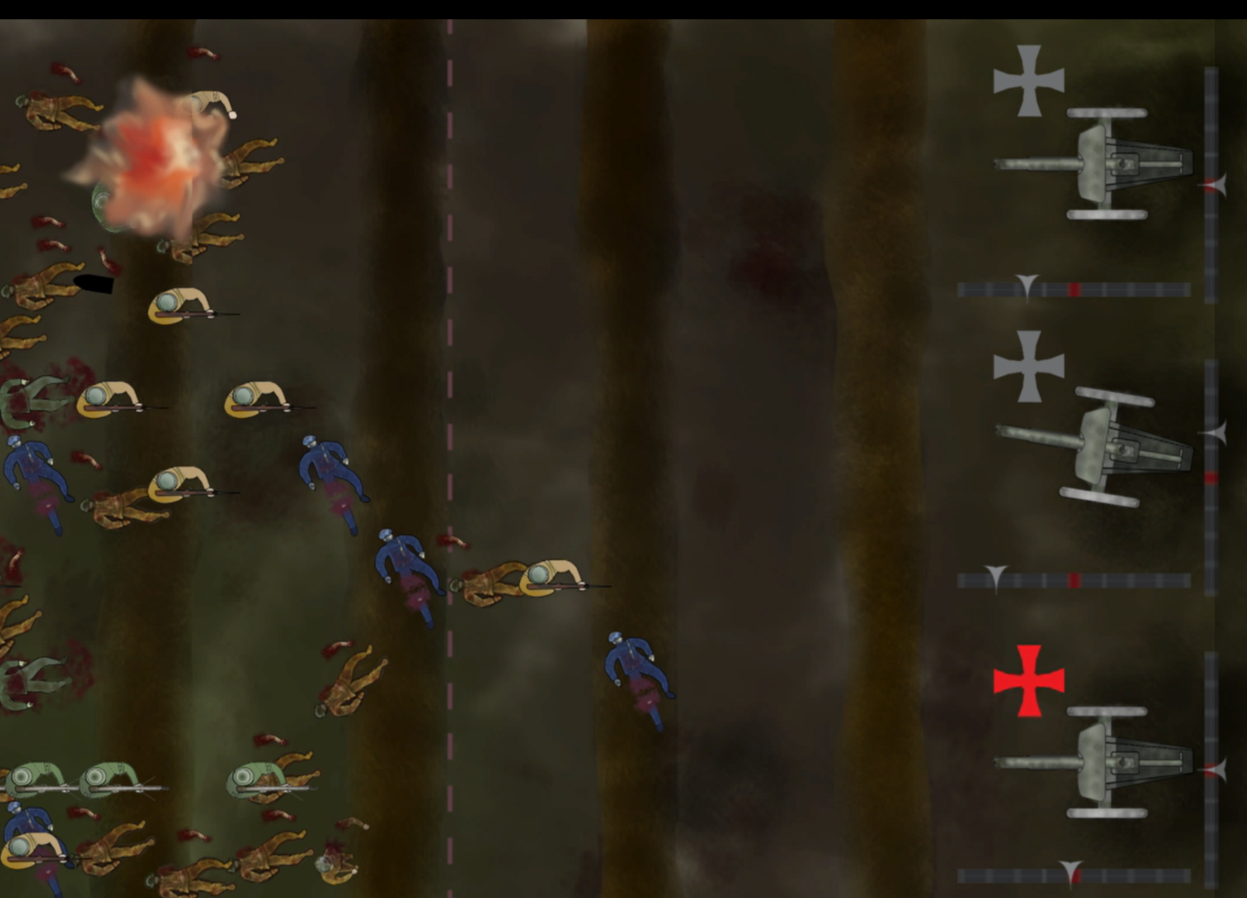
Our intent for Kaiserwave was to create a war game experience that focused on blatantly portraying the horrors of war. The game is historically grounded, and centered around a historical narrative. we wanted to tell the story of the sheer human horror and atrocity that went into this battle through our gameplay. In the game, you play as a lieutenant in charge of a crew of German artillery gunners over the span of several days of conflict during the second battle of the somme. The game is played with a console controller, with the player rotating the sticks to change each of their four guns' angle and range. Once the player has aimed all of the guns to their satisfaction, they press the A button, and the opposing british forces charge your position. Each enemy soldier runs a different specific distance, and the player must observe where they'll be and lead their target. The player's guns do not have reticles, and are instead aimed using a gauge whose tick marks correspond to lines drawn on the game screen. This creates tension as the player attempts to eyeball and judge the range their guns are going to fire, just like artillery crews at the time period did when the enemy got that close. if too many enemies reach the bottom of the screen, the player loses, but if enough waves are survived, the player advances to the next level.

A very important element of Kaiserwave's design, which I had a hand in create was the narrative integration. Pictured above is the opening menu for the game, which is stylized to look like a range table book used by actual artillery crews of the time to properly set the range on their weapons. the marching orders on the right serve as instructions to the game while the letter to the left serves to introduce the narrative, and the player's character. The letter is interactive, and features voice acting by one of the other group members, to add a human touch. the letter is written in german, but a button can be pressed that translates it to english, allowing it to be authentic while still readable to an American audience. We chose to make the player character german, and fight on the german side to drive home the theme of the game. The germans are typically seen as the aggressors and 'bad guys' in World War One, with games about the time frequently being told from the perspective of the Americans or British, and we wanted to deliberately go against that to highlight that at the bottom line, World War One was a horrible, wasteful loss of life. We wanted to go against the design trends of typical war game action which rewards the player for killing and minimizes consequences. We on the design team made the choice not to give the player positive feedback on kills, portraying it instead as something the player needed to do to survive. The death screams of the enemy soldiers are real and visceral-- we recorded them ourselves. Additionally, corpses don't despawn during the level, rapidly piling up, providing a permanent reminder to the player of the consequences of every shell they fire. We wanted to evoke a feeling of numb horror every time they pressed the "fire" button, horror in the knowledge that they have two choices: die, or slaughter their fellow man.

While I was very much involved with the design aspects of Kaiserwave's production, My primary role on the team was that of sole programmer. This project provided a lot of technical challenge for me, and presented me with a great deal of opportunities to improve my C# scripting skills as well as learn the programmer role on a development team. creating the control mechanisms for the artillery pieces was particularly challenging, as they were intended to be controlled by rotating the stick around and around to mimic the motion of a crank. I had to get an in depth knowledge of the way Unity handles axis inputs in order to find a way to use the X and Y axis data of the controller joysticks to properly read the rotation input. The end result of the control mechanic was quite successful, evoking the motion we wanted while still being aimable. My skills at Unity C# scripting effectively doubled over the course of this project.
